DigitalDreams Compress
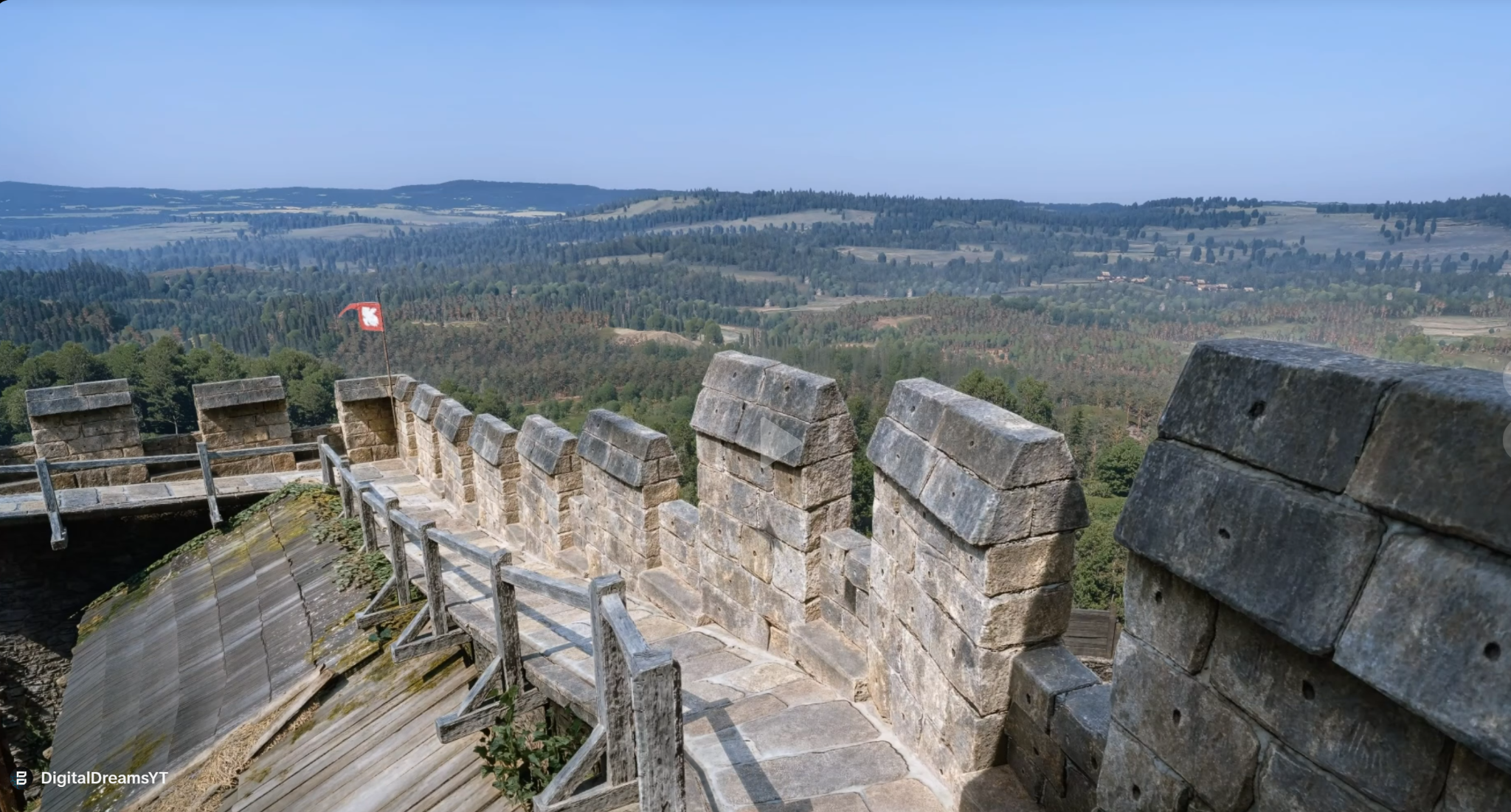
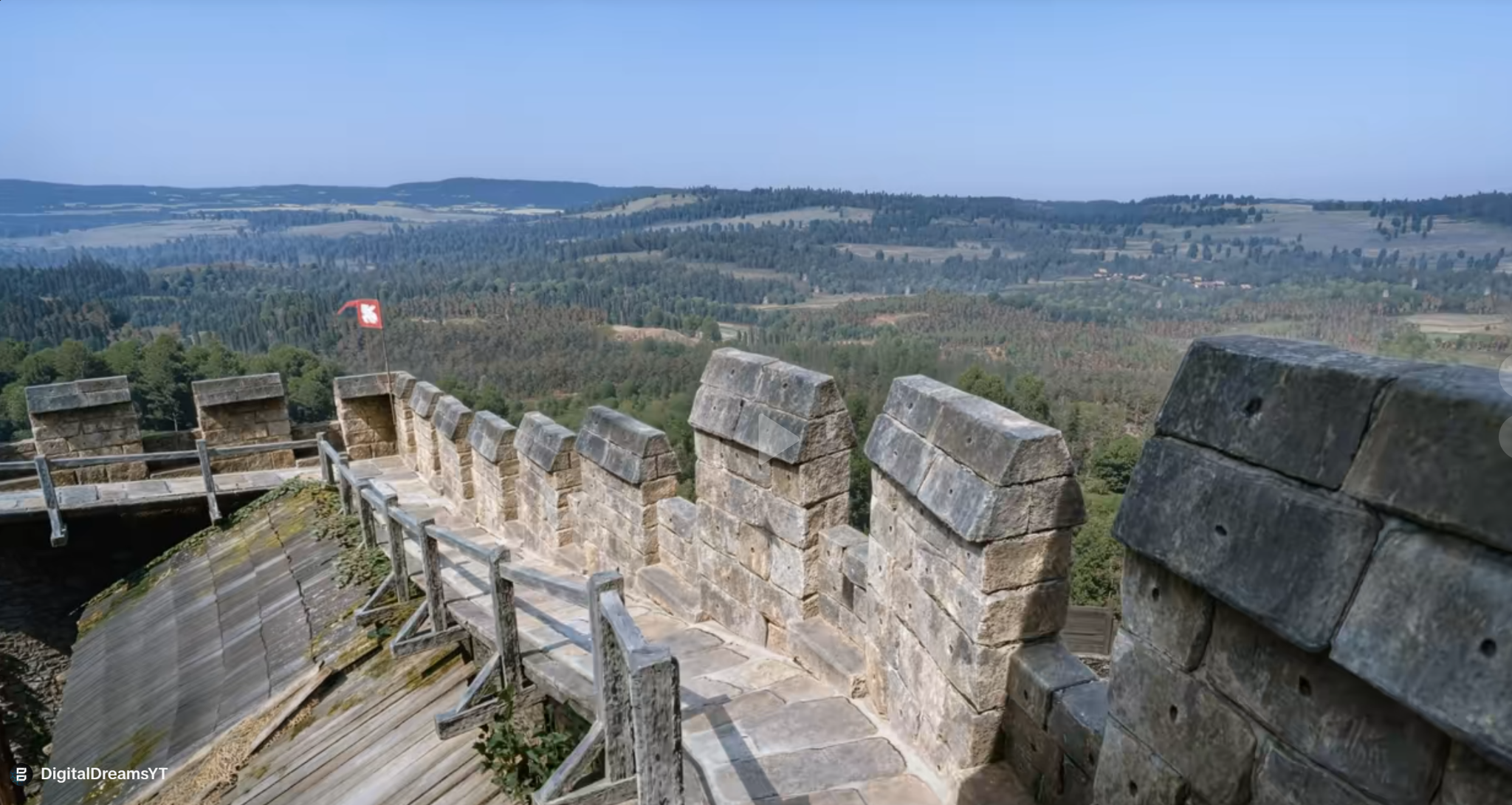
Pictures taken from real TikTok videos

Drag across the image, or use the arrow keys to move the divider.
Compare the texture of the stone, the trees and the distant hills.
GRAPHICS BEYOND ALL LIMITS
You spend time getting the lighting, textures and atmosphere of your footage right. DigitalDreams Compress prepares your finished edit for its next upload. Choose Standard for our original workflow, or Premium for a richer finish with enhanced colour, refined contrast and stronger definition in the details.
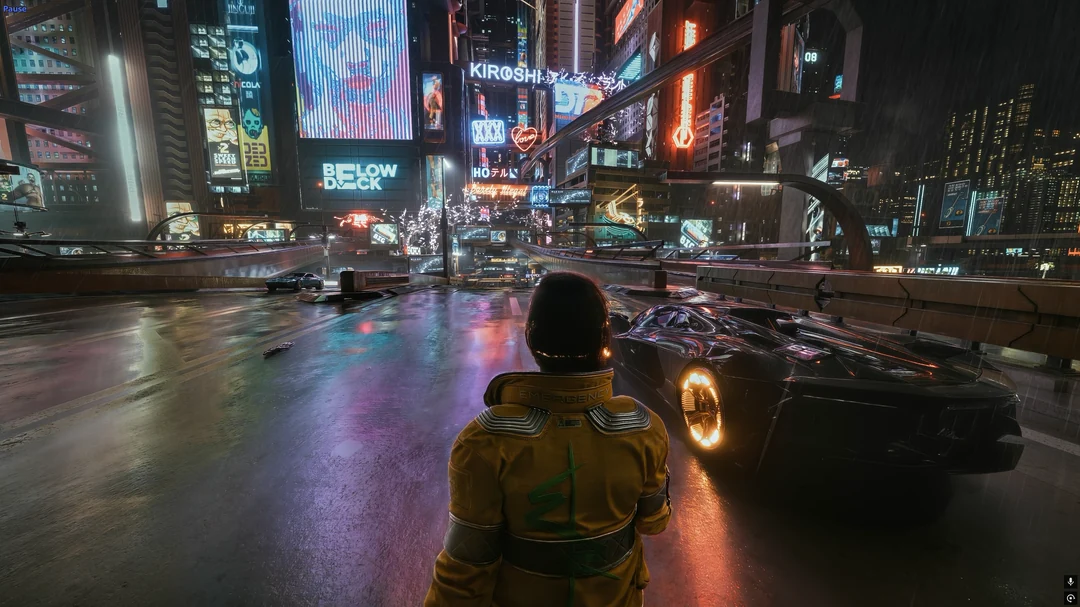
Built around gaming footage, from detailed landscapes to neon-lit city streets. The final upload still depends on how TikTok processes your video.
Standard costs €1.90 per video. Premium costs €2.49. Buy one export credit when payments open. No subscription.
Sign in to get startedDIGITALDREAMS COMPRESS / BEFORE & AFTER
Move the slider to compare your normal TikTok video with the Digital Dreams Method. Check the stonework, foliage and distant scenery.
Pictures taken from real TikTok videos

Drag across the image, or use the arrow keys to move the divider.
Compare the texture of the stone, the trees and the distant hills.
Standard €1.90Premium €2.49 per export
COMPRESS STUDIO
Drop your video here or choose a file.
MP4, MOV or WebM · up to 250 MB · up to 3 minutesPreview only: file checks and export planning. No conversion, upload or credit charge. Paid exports require sign-in when the service launches.
Standard €1.90 / Premium €2.49. One clearly named video per credit. Online processing is not connected yet. No upload, conversion or charge takes place in this preview.
DIGITALDREAMS PREMIUM · €2.49 / EXPORT
Premium brings the complete DigitalDreams finishing profile to your edit. Alongside the Standard Compress workflow, it adds colour enhancement, refined contrast and stronger detail sharpening. The aim is a picture with more presence: landscapes feel richer, lighting has more impact and textures read more clearly.
It is a considered finishing pass for footage you have already edited, especially scenic gameplay, ReShade showcases and texture-heavy environments. Your game’s art direction and your chosen colour grade remain the starting point. Premium builds on that look with a more defined, polished finish.
Preview PremiumPremium image finishing · €2.49 per export · No subscription.Colour enhancement gives greens, warm light and neon accents more presence. It is particularly suited to scenes where colour carries the mood, whether that is a sunlit forest, a rain-soaked city or the warm glow of an interior. The adjustment builds on the colours already in your footage.
A refined contrast treatment strengthens the distinction between lighter and darker areas. That gives architecture, characters and scenery more visual structure. It is a finishing adjustment to the whole image, with your original lighting as its foundation.
Premium applies stronger detail sharpening than Standard, adding definition to existing textures and edges. Stonework, foliage, fabric and distant architecture are useful places to compare the finish. Start with a detailed recording: sharpening works with what your camera or game capture has already recorded.
One complete Premium export, including the Standard workflow. Compare both profiles on the same source to find the finish that suits your edit. Platform processing still affects the published result.
DIGITALDREAMS COMPRESS
Standard is the original DigitalDreams upload-preparation profile. It prepares the video’s format, dimensions and frame rate and applies a carefully sharpened finish. It is a good fit when you already like the colour and contrast of your edit.
Premium includes that workflow and adds a dedicated treatment for colour, contrast and detail. Choose it when you want a richer, more defined presentation for your showcase, especially footage with detailed scenery and distinctive lighting.
Results depend on the source video and the platform.Start with the finished edit from your recording or editing software. Preview the framing, motion and sound before processing. A clean source gives the finishing profile more to work with than a clip downloaded from an already compressed social-media upload.
Choose Standard for the original finish, or Premium for the complete colour, contrast and detail treatment. Both retain your video’s aspect ratio. Processing will run on our servers, with no converter to install.
Get one MP4 clearly named Standard or Premium, ready for your next upload. Keep your original edit so you can compare the two. When comparing on TikTok, use the same upload settings and wait until both videos have finished processing.
Improved upload quality is not guaranteed. The online processor is not connected yet; this preview does not accept uploads or payments.
EXPORT PRICES
Sign in, purchase an export credit and use it on your next edit when the online service launches.
Choose the finish that suits your edit. Each credit produces one video in the profile you purchase, with no subscription to keep running.
Premium: €2.49 per export
Wallet availability depends on your device, region and payment account. Payments are not open yet.
BEFORE YOU START
Compress prepares a finished video for upload using the DigitalDreams workflow. Both profiles produce an MP4 with H.264 video and AAC audio, sized within a 1080p output envelope and limited to 60 FPS. Higher-resolution footage is resized to fit; footage already below those limits is not upscaled. Your original aspect ratio is retained, so a landscape clip stays landscape and a portrait clip stays portrait.
Premium adds image finishing to that preparation. Its colour, contrast and sharpening adjustments are applied to the video before it reaches the platform. The online service is currently in preview; choosing a local file does not start an export.
Standard gives you the original Compress workflow and its carefully sharpened finish. Premium includes the same preparation, then adds colour enhancement, refined contrast and stronger detail sharpening. Those adjustments work together to give an already well-recorded edit a richer, more defined presentation.
Premium is particularly suited to gaming showcases where scenery, lighting and materials are part of the appeal. Standard is a good choice when your edit already has the colour and contrast you want. Both produce one finished video; Premium costs €2.49 per export.
Yes. Finish your ReShade setup or colour grade first, then export your clip. Premium works with the resulting image, adding its finishing treatment to the look you have chosen. If the source already has very strong contrast, saturated colours or heavy sharpening, compare the result carefully; Standard may be the better fit for that particular edit.
Use a clean export from your recording or editing software, with the framing and sound already finished. The studio accepts MP4, MOV and WebM files up to 250 MB and three minutes. A higher-quality source gives the finishing profile more usable texture and edge information.
For a vertical post, crop your edit before processing; Compress keeps the aspect ratio you supply. HDR footage is converted to SDR for this output. Blur, missing detail and heavy compression already present in the source cannot be fully recovered by a finishing pass.
The Off / On slider uses screenshots supplied by Digital Dreams. Compare textures, edges, colour and lighting in the same areas of the scene. For this illustrative preview, On has additional sharpening at 5% strength and Off has added blur at 3% strength. These are display adjustments, not a measured TikTok test. Use the examples to understand the look, then assess your own exported and uploaded clip.
Use the Sign in or Register link and choose an available login method. Google, Discord and Apple open directly with the provider when connected. Email registration includes email confirmation and password recovery; ChatGPT is also available. Provider passwords stay with Google, Discord or Apple. Email accounts use a securely hashed password and require email confirmation. You can explore the pages without signing in. An account is required for paid exports.
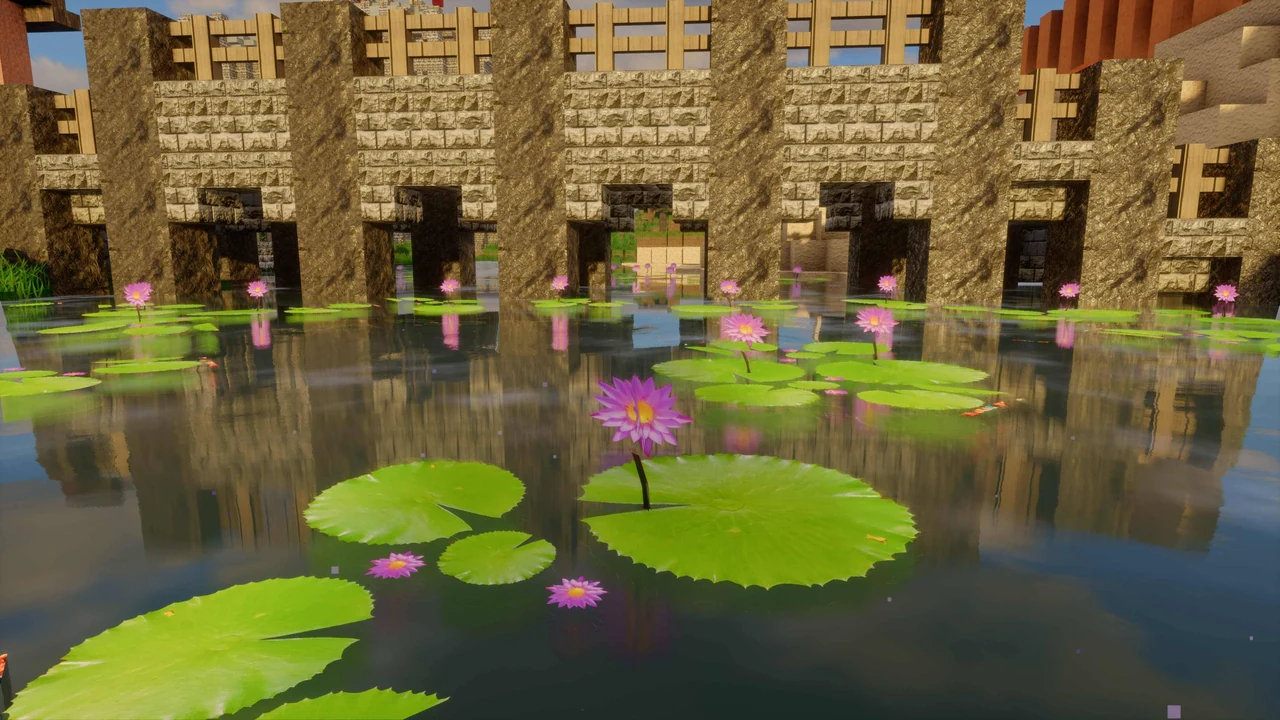
Standard costs €1.90; Premium costs €2.49 for one exported file. Each credit is tied to the purchased profile. No subscription. Presets and Minecraft textures are sold separately on Patreon. Checkout is not yet active.
Not yet. You can explore the comparisons and preview your video while we prepare the online service. Paid exports will open after processing and payments have been connected and tested.
Apple Pay and Google Pay on supported devices. There is no form to enter a card number. Your wallet sends payment details directly to Stripe.
No. When online processing opens, choose your video and profile in the studio, then download the finished export from your account. There is no converter or desktop app to install. Online processing is not active in this preview.
TikTok makes the final processing decisions. Compress prepares the file you supply; Premium also enhances its colour, contrast and detail before upload. The result can vary with source quality, movement in the scene and platform processing. Compare the finished uploads under the same conditions, rather than judging only the local preview.
MORE FROM DIGITAL DREAMS