Minecraft
DIGITAL DREAMS TEXTURES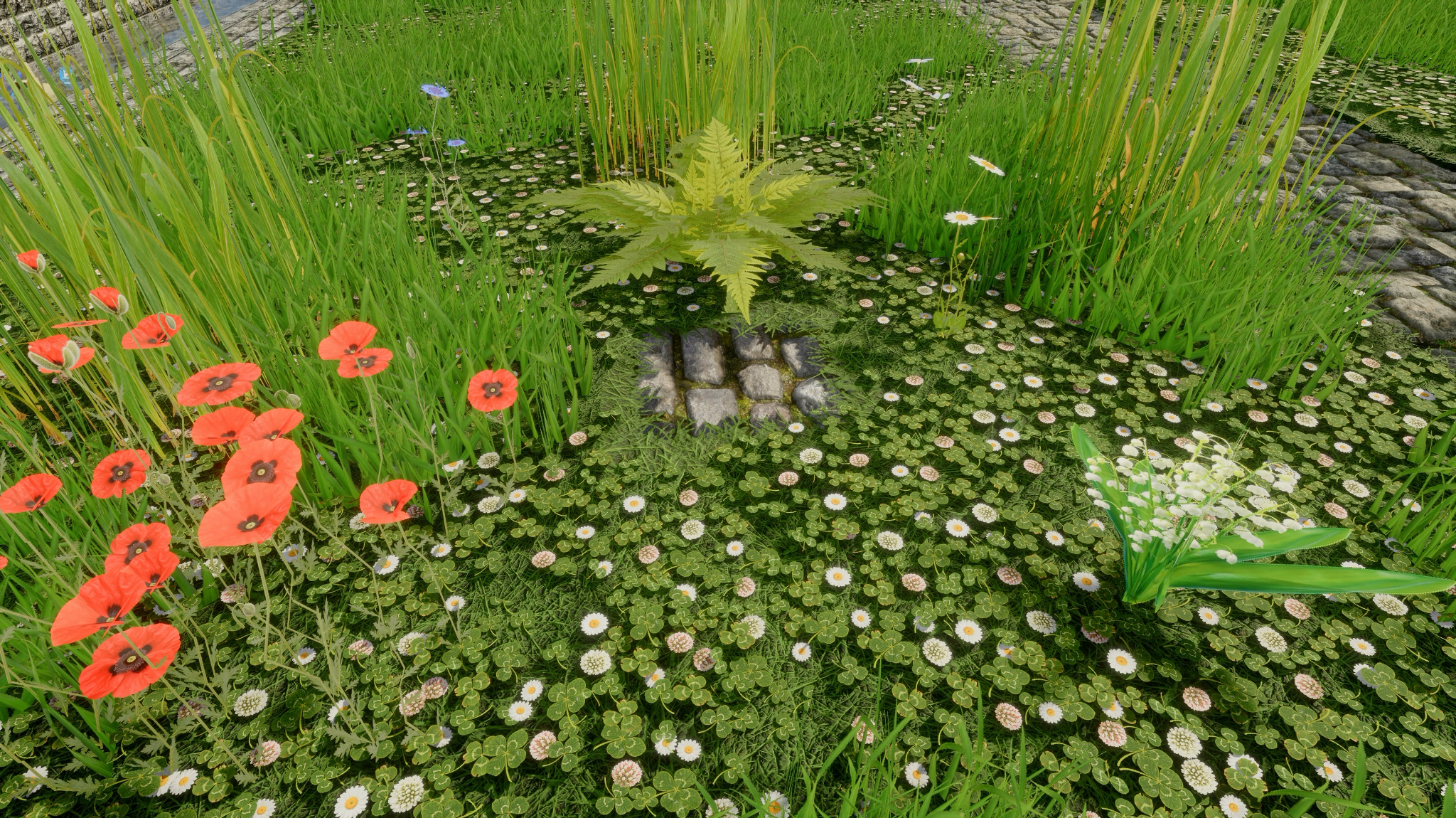
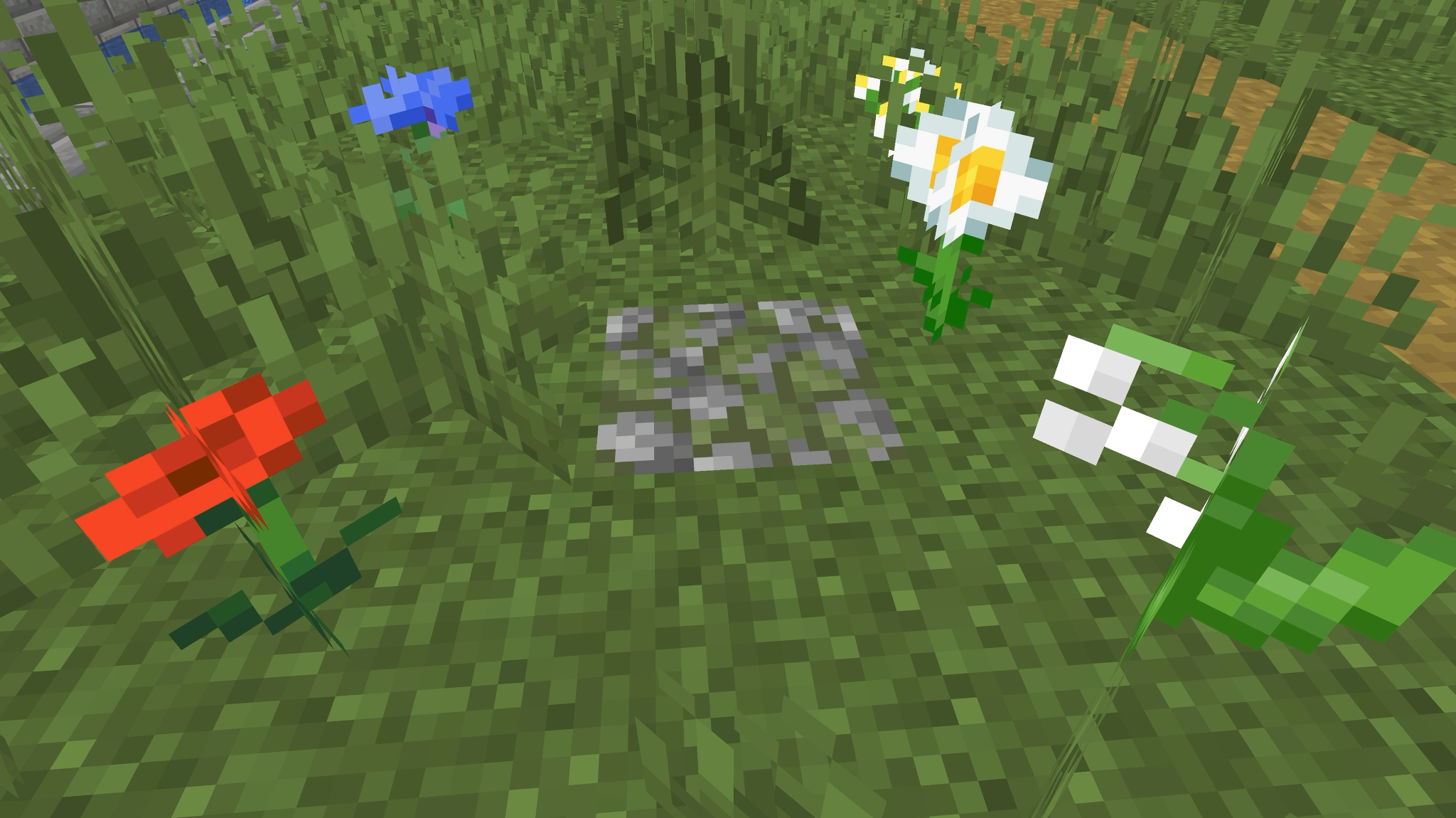
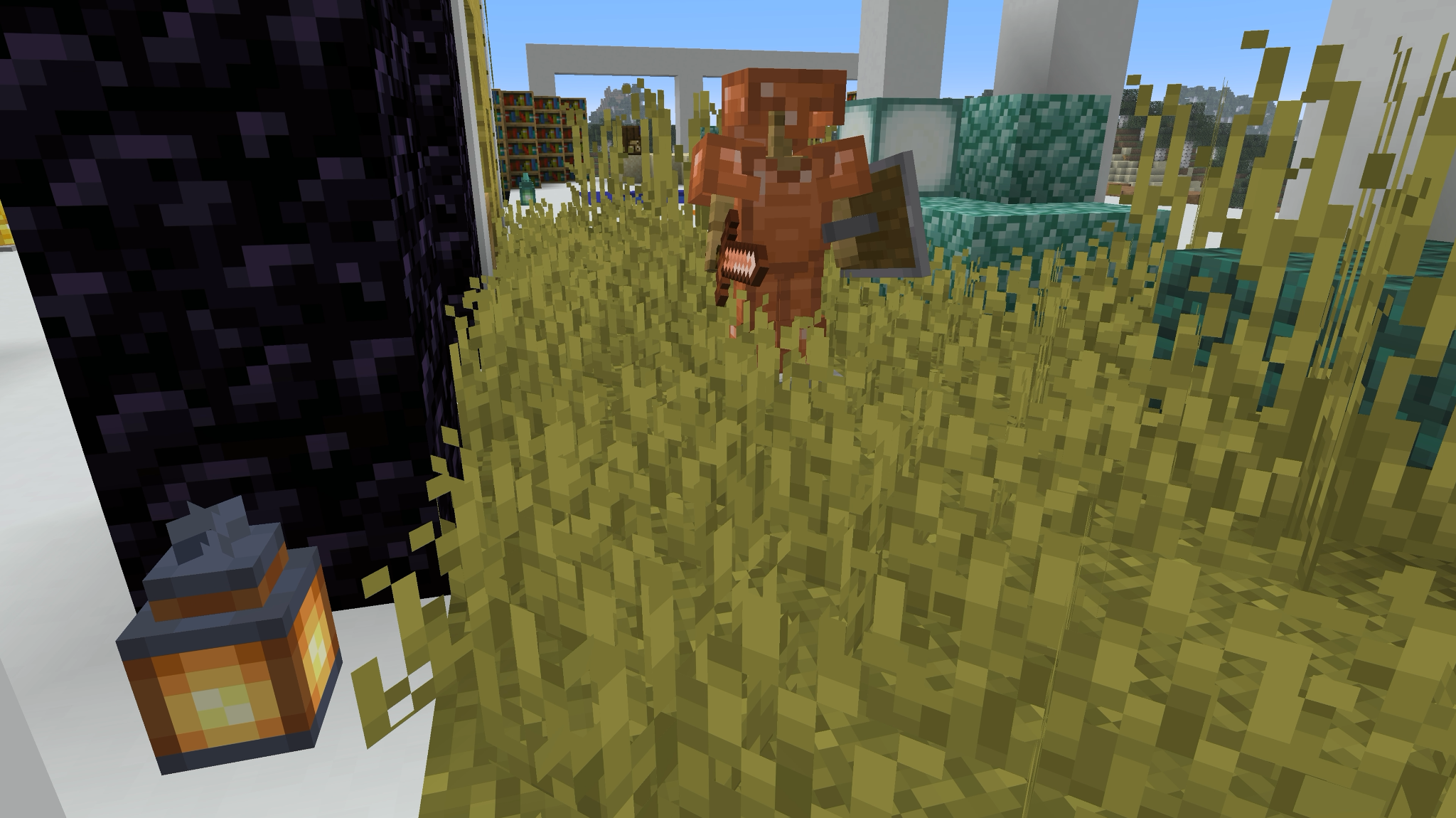
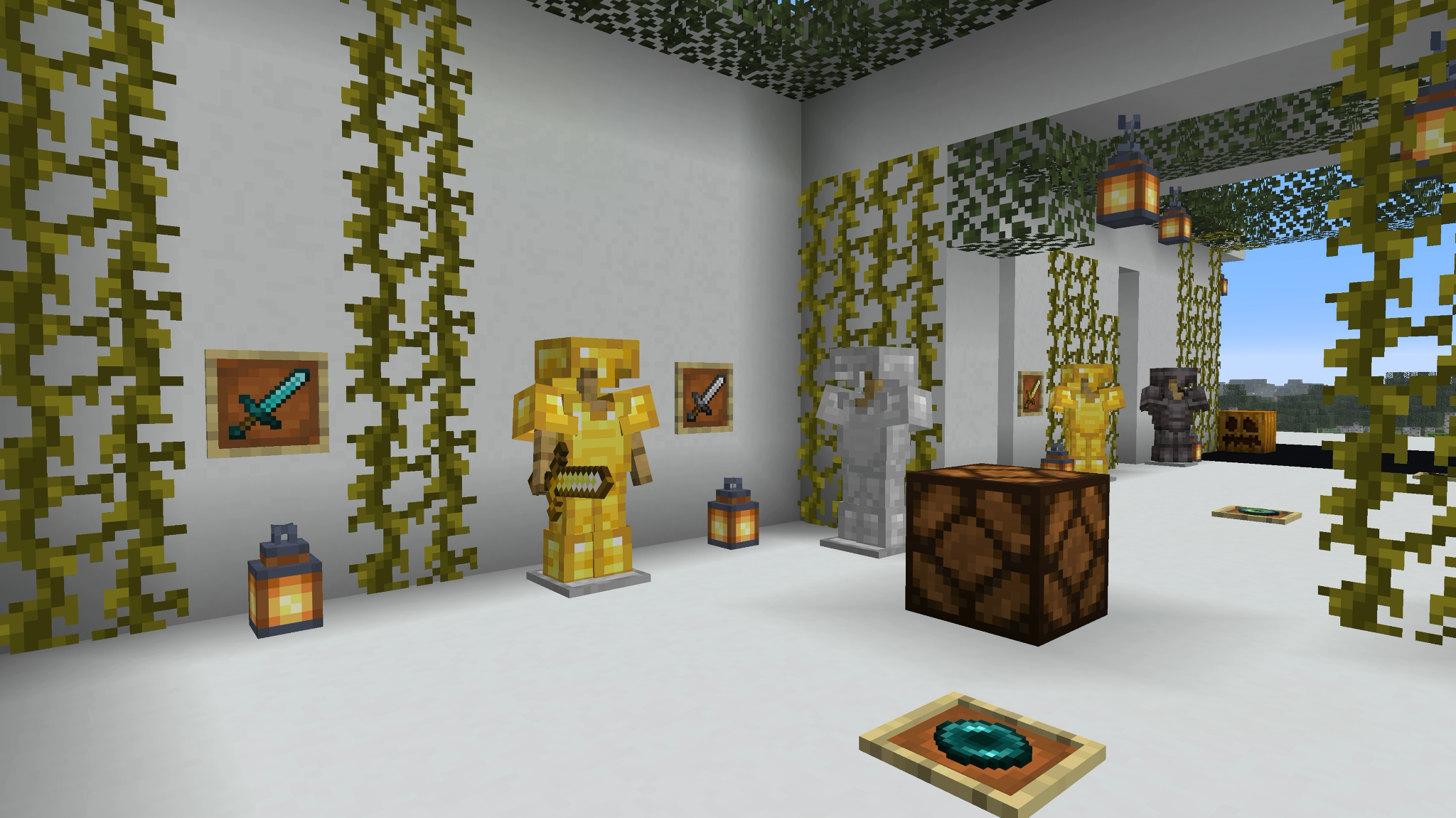
Drag across the image, or use the arrow keys to move the divider.
Off: original look. On: Digital Dreams textures and shaders.
 DIGITAL DREAMSCREATOR STUDIO
MINECRAFT / TEXTURE PACKS
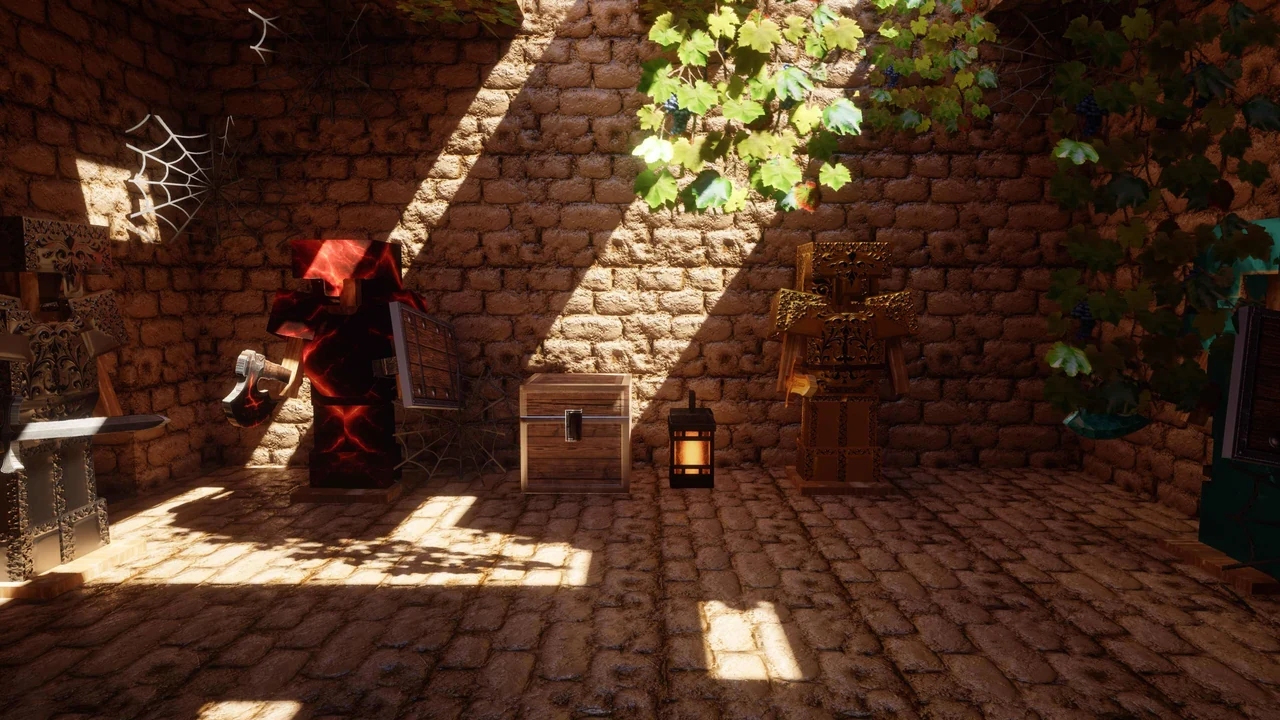
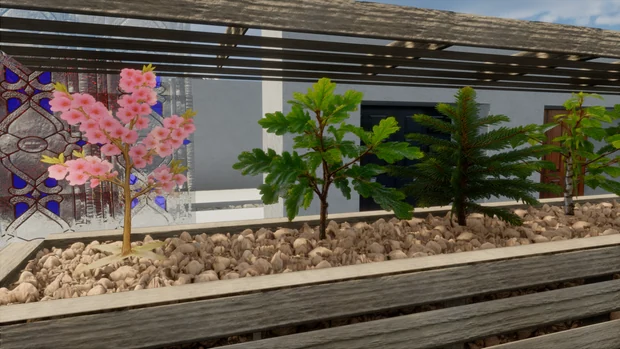
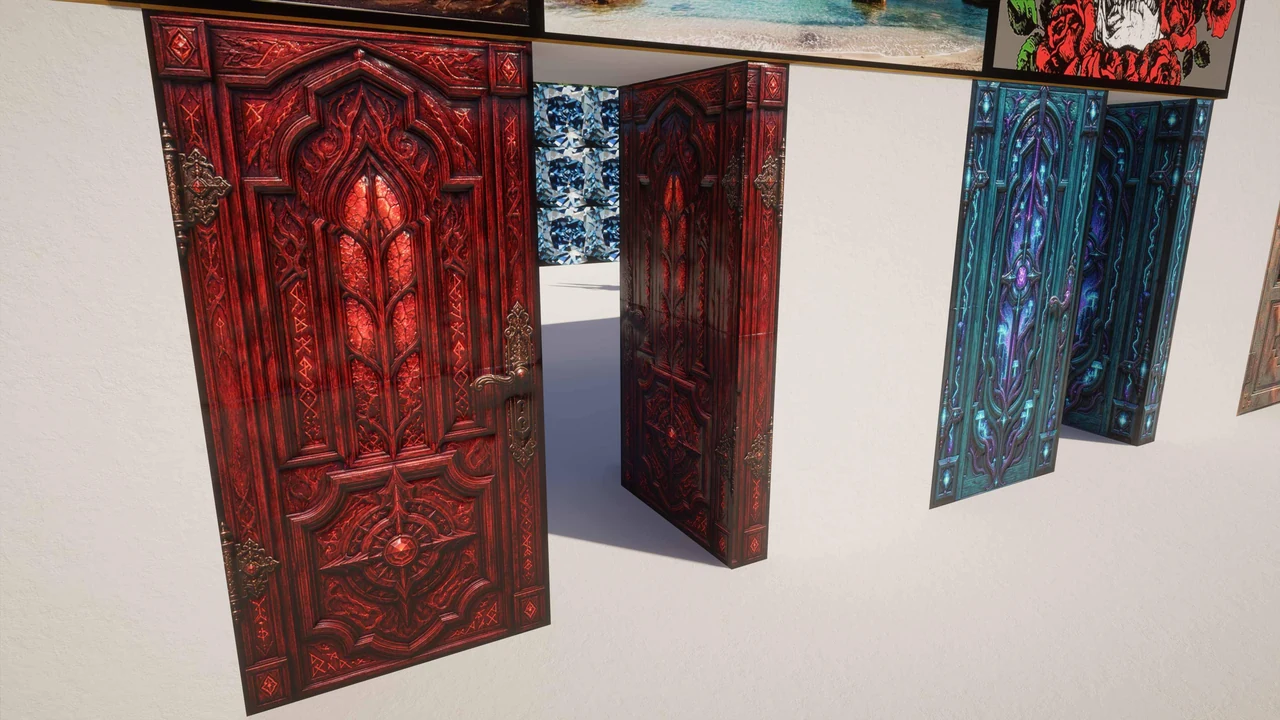
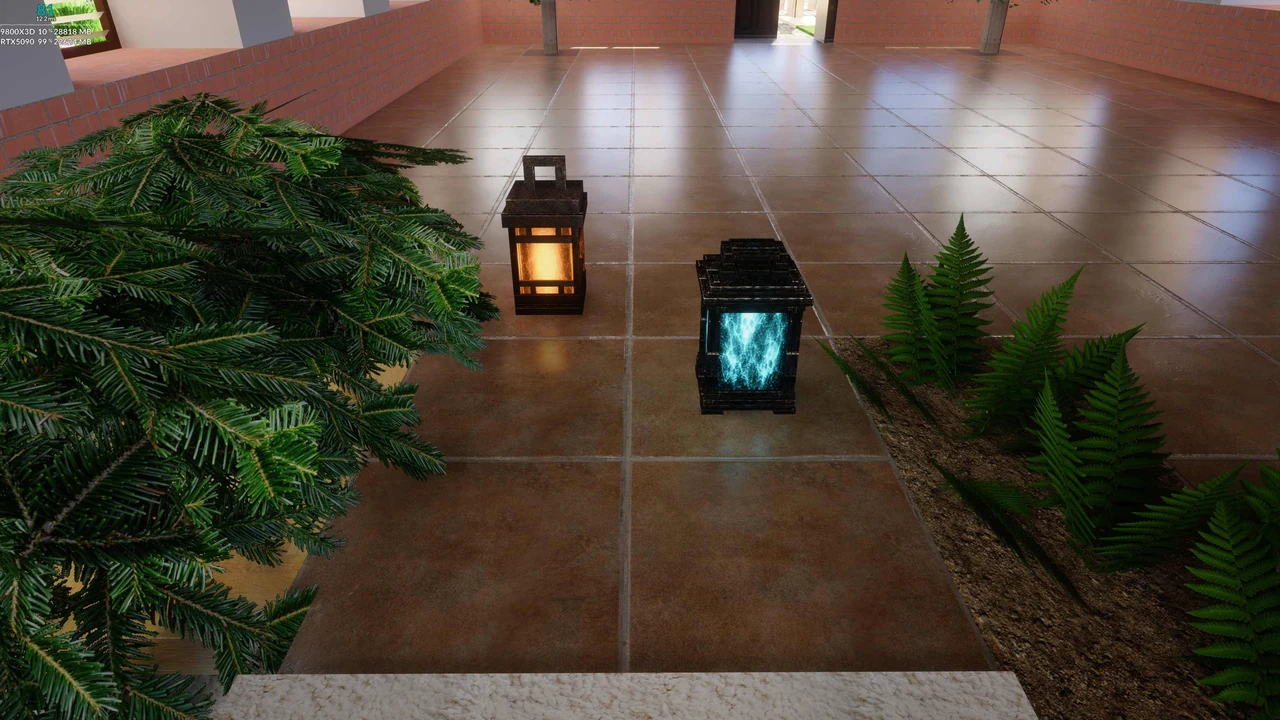
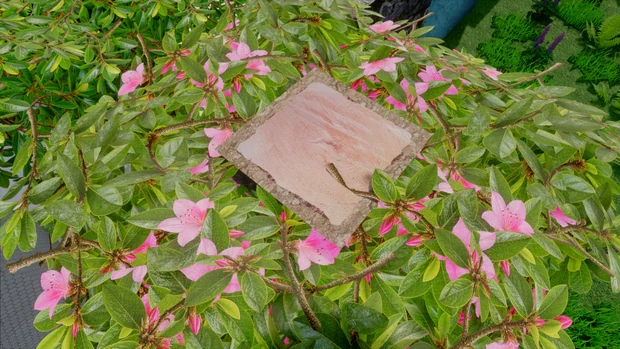
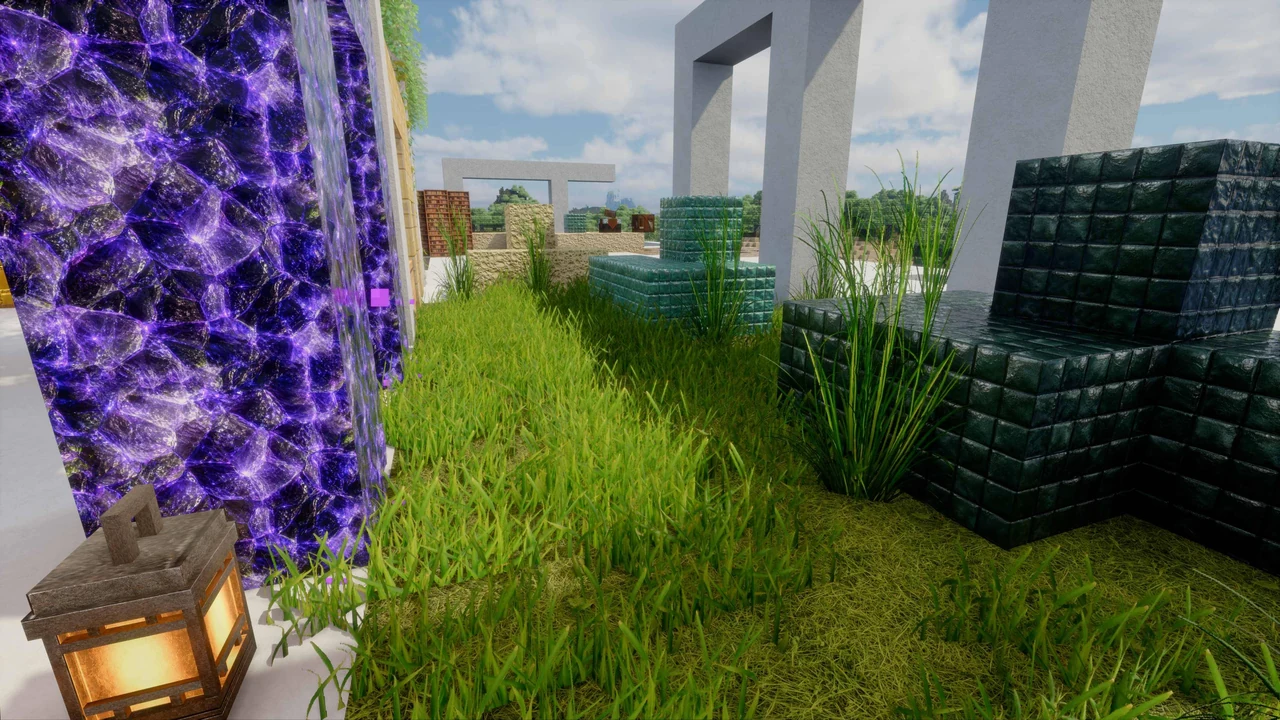
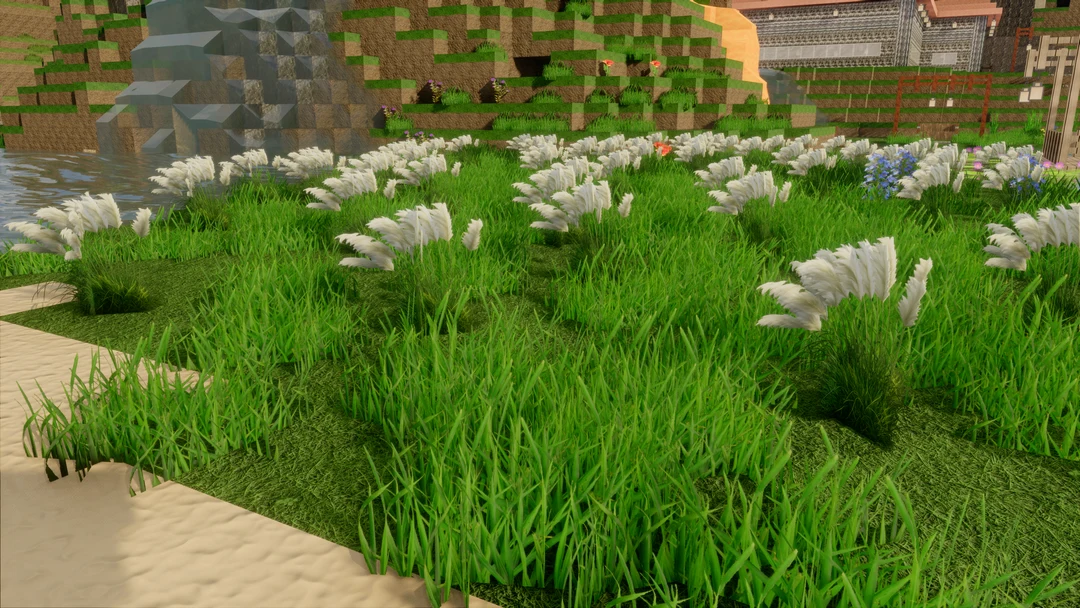
Bring real-world materials into Minecraft with textures made from photographs and 3D scans. Explore POM surface depth and choose your resolution, from 64× to 1024×.
Free 64× on CurseForge; higher resolutions through Patreon.
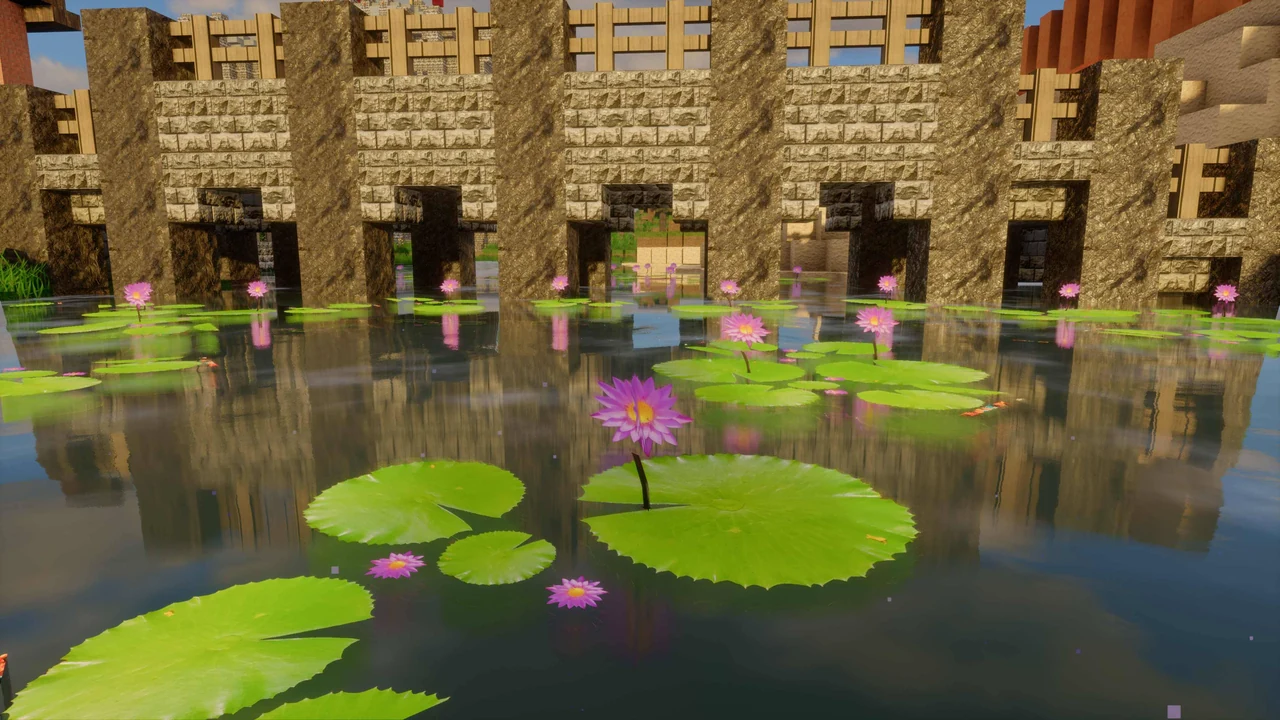
ORIGINAL / DIGITAL DREAMS
Drag the divider to compare the original Minecraft look with Digital Dreams textures and shaders.
Drag across the image, or use the arrow keys to move the divider.
Off: original look. On: Digital Dreams textures and shaders.
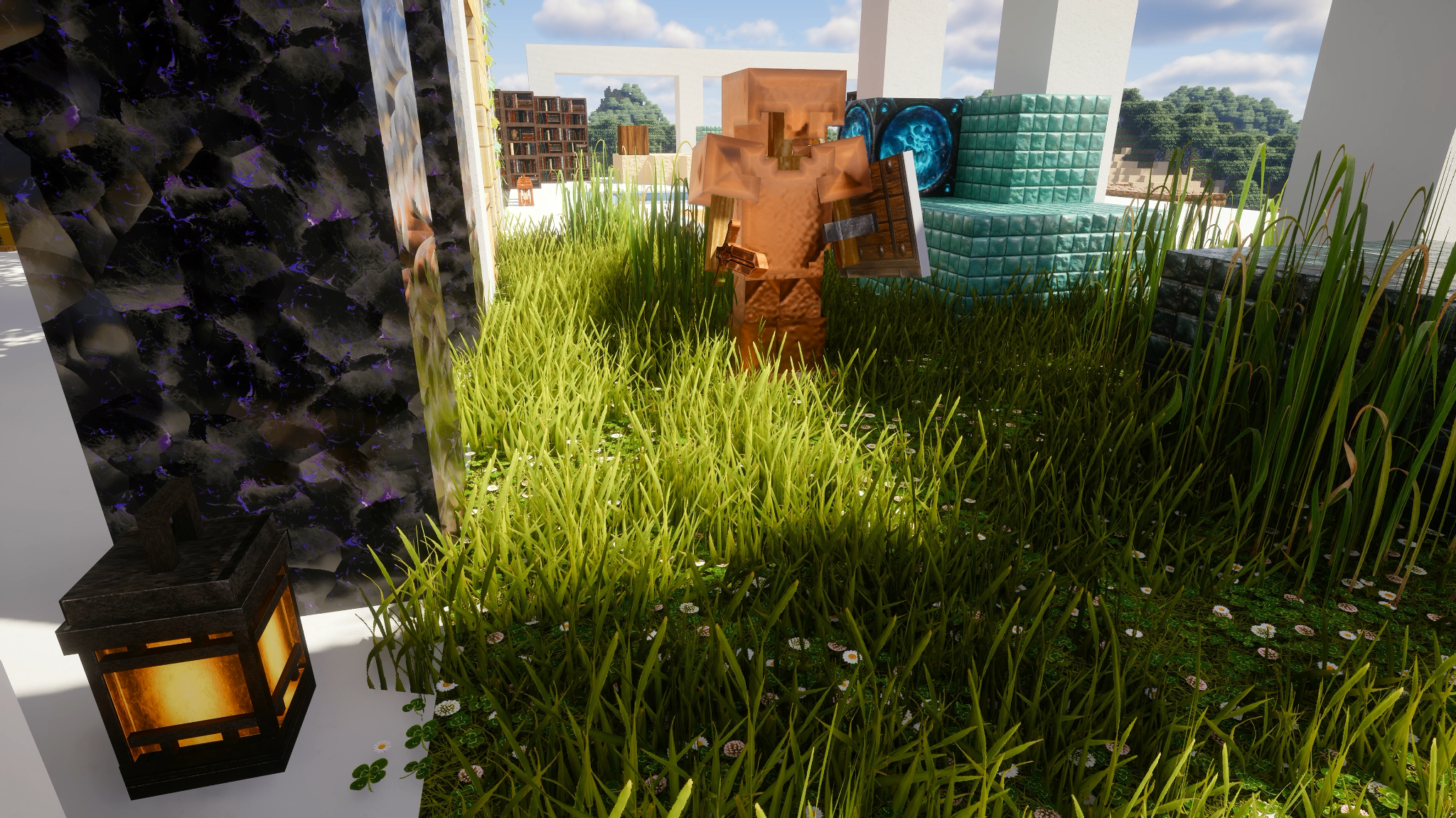
Drag across the image, or use the arrow keys to move the divider.
Off: original look. On: Digital Dreams textures and shaders.
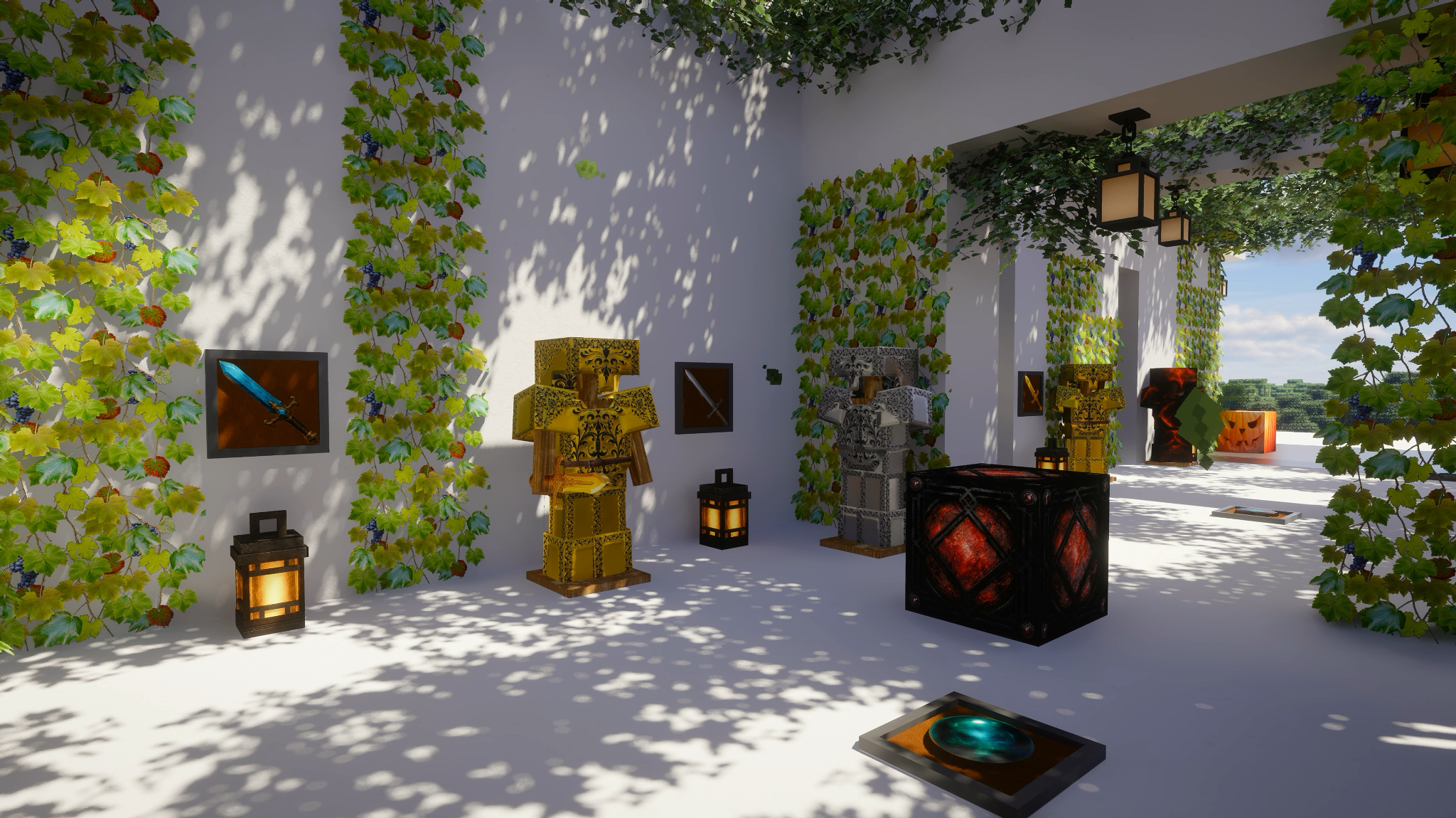
Drag across the image, or use the arrow keys to move the divider.
Off: original look. On: Digital Dreams textures and shaders.
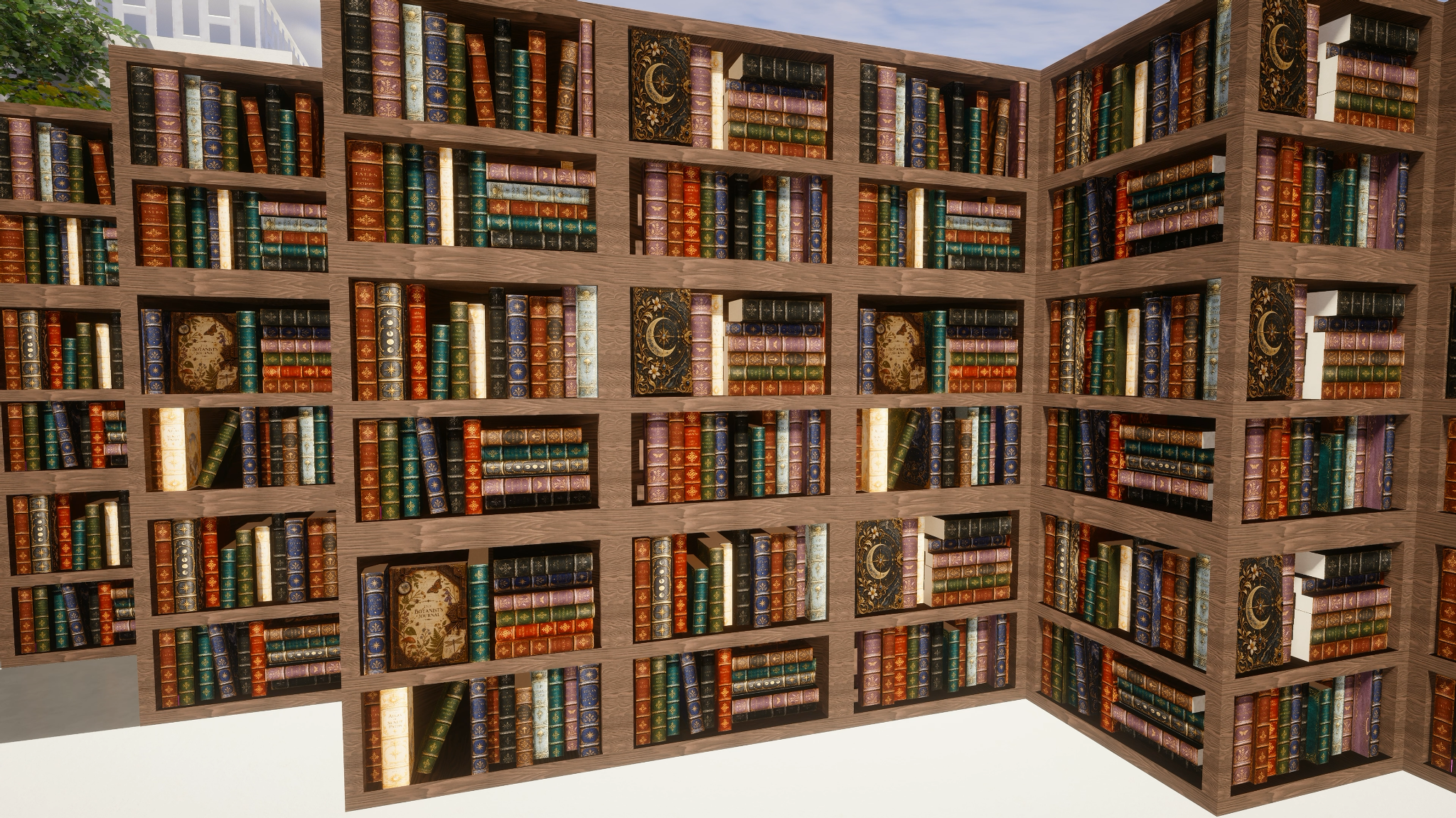
Drag across the image, or use the arrow keys to move the divider.
Off: original look. On: Digital Dreams textures and shaders.
On shows textures and shaders together. Screenshots were taken separately; animation and lighting may vary.
DIGITAL DREAMS PHOTOREALISTIC
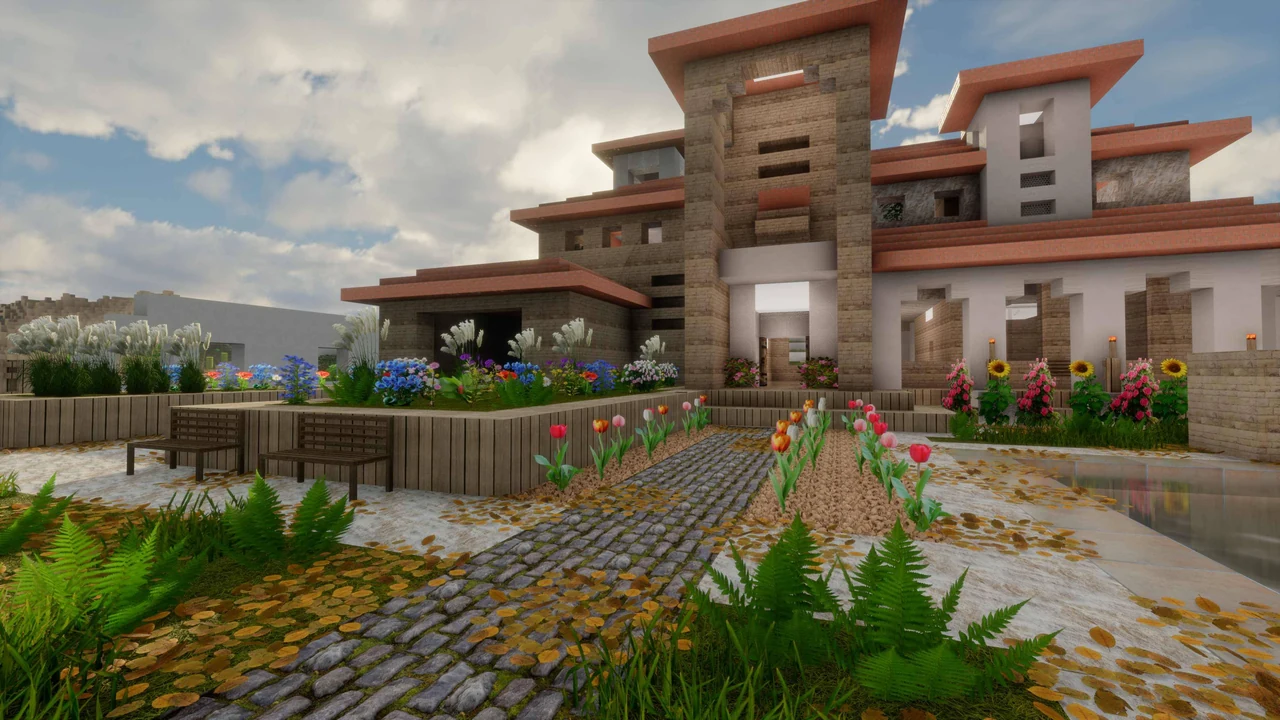
Real photographs, 3D scans and photorealistic imagery bring natural grain, weathered stone and small surface details into Minecraft.
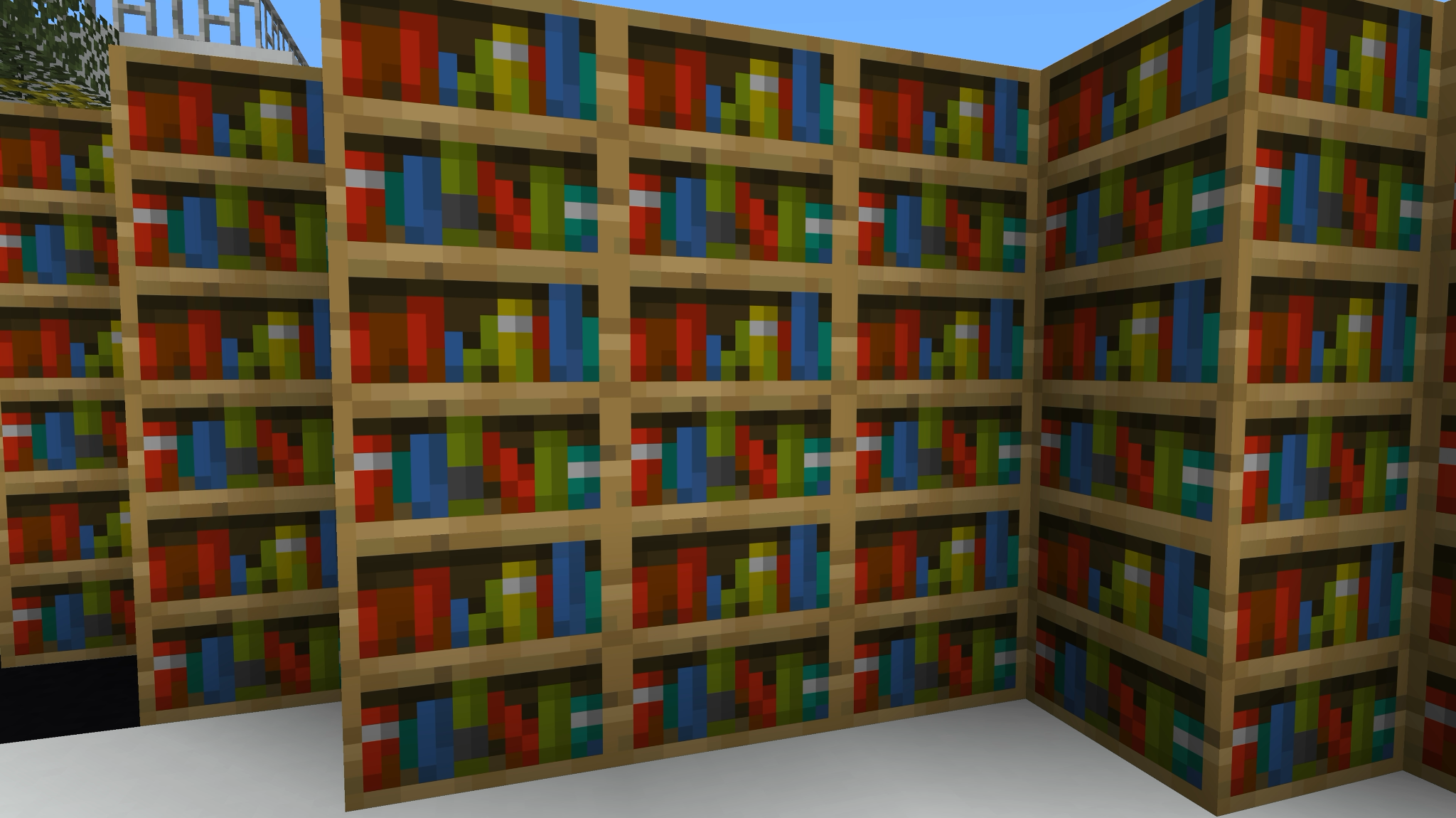
Books, bindings and wood grain — explore the detail in Digital Dreams Photorealistic.
Wood keeps its grain. Stone keeps its character. Photo and scan sources give each material a distinct surface.
Parallax Occlusion Mapping (POM) gives supported textures the appearance of depth as you move. Enable it in a compatible shader.
YOUR WORLD. YOUR DETAIL.
Choose a texture resolution for your PC. Higher resolutions use more graphics memory; your shader and hardware matter too.
FROM THE DIGITAL DREAMS CHANNEL
DIGITAL DREAMS /
A 4K comparison featuring Digital Dreams’ photorealistic textures, DLSS 5 and an RTX 5090.
Watch on YouTubeDIGITAL DREAMS /
Digital Dreams’ V28 texture pack in a Minecraft graphics showcase with DLSS 5.
Watch on YouTubeDIGITAL DREAMS /
A 4K Minecraft showcase with realistic physics, shaders and texture detail.
Watch on YouTubeDIGITAL DREAMS /
Digital Dreams’ textures and realistic physics in a 4K Minecraft showcase.
Watch on YouTubeThese showcases combine Digital Dreams textures with shaders. Lighting, reflections and POM depend on the shader and its settings; check the pack release for the matching Minecraft version and setup.
SCREENSHOTS
Open an image for a closer look. Presets and texture packs are available on Patreon.
Purchases and downloads stay on the DigitalDreams Patreon. Check the membership tier and the post for the item you want.
Use Minecraft Java Edition and check the pack release for its supported game version. For POM, use a compatible shader and enable its Parallax Occlusion Mapping option. Shader settings differ between packs; shaders are downloaded separately.
Try the free 64× edition first. Increase texture resolution if your graphics memory and shader performance allow it. 1024× offers the finest close-up detail and has the highest memory demand.
POM creates the appearance of surface depth from height information. It does not replace Minecraft blocks with scanned geometry. The visible result depends on your shader’s POM support and settings.
Your game settings, display, shaders and hardware affect the result. The videos show the setup used for each showcase.
DIGITAL DREAMS / COMMUNITY
Share your setup, ask a question or tell us what you would like to see next.
Loading comments…