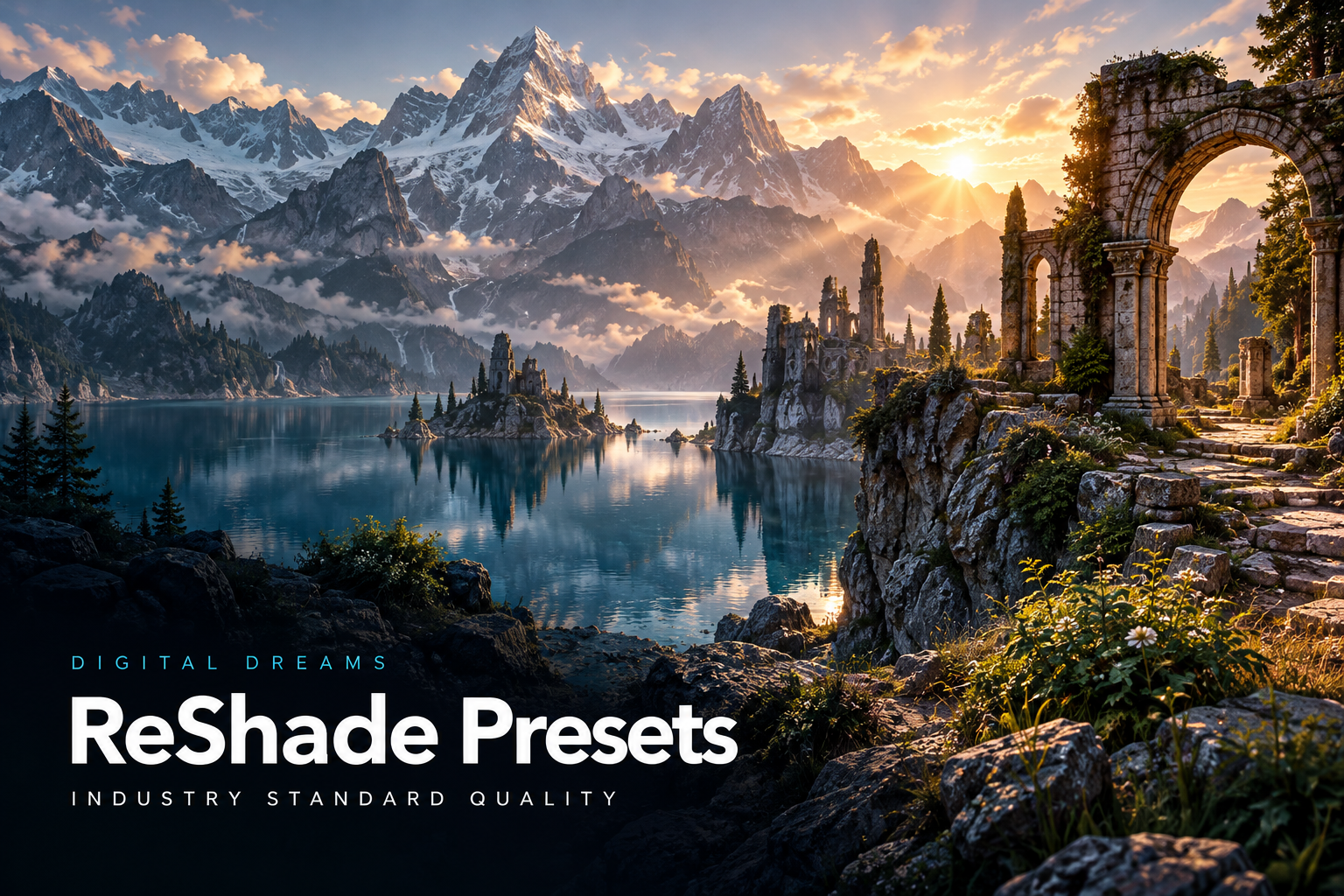
ReShade Presets
Game-specific Beyond all Limits looks for colour, contrast and atmosphere. Choose the preset for your game and follow its setup guide.
Explore on Patreon DIGITAL DREAMSCREATOR STUDIO
RESHADE / PRESETS & SHADERS
ReShade presets, Adaptive Vision and a pathtracing shader — the Digital Dreams graphics toolkit with Industry Standard Quality. Explore the tools and game showcases, then find release details and downloads on Patreon.
Purchases, membership access and downloads stay on Patreon.
DIGITAL DREAMS / GRAPHICS TOOLKIT
ReShade presets, Adaptive Vision and a pathtracing shader. Explore the complete Digital Dreams graphics toolkit.
Game-specific Beyond all Limits looks for colour, contrast and atmosphere. Choose the preset for your game and follow its setup guide.
Explore on Patreon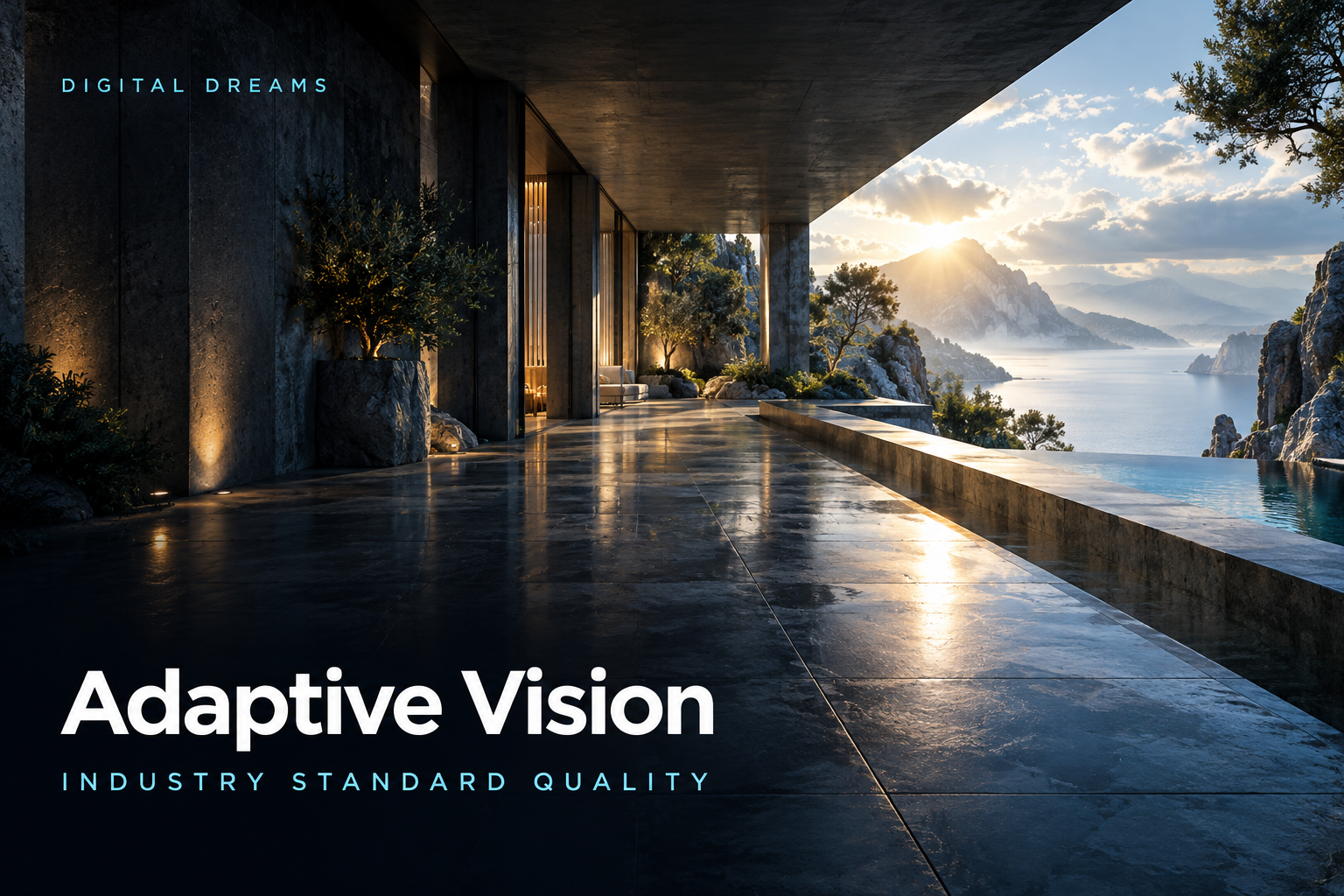
The Digital Dreams Adaptive Vision shader, alongside the preset collection. Explore its dedicated release post for setup and compatibility.
Explore on Patreon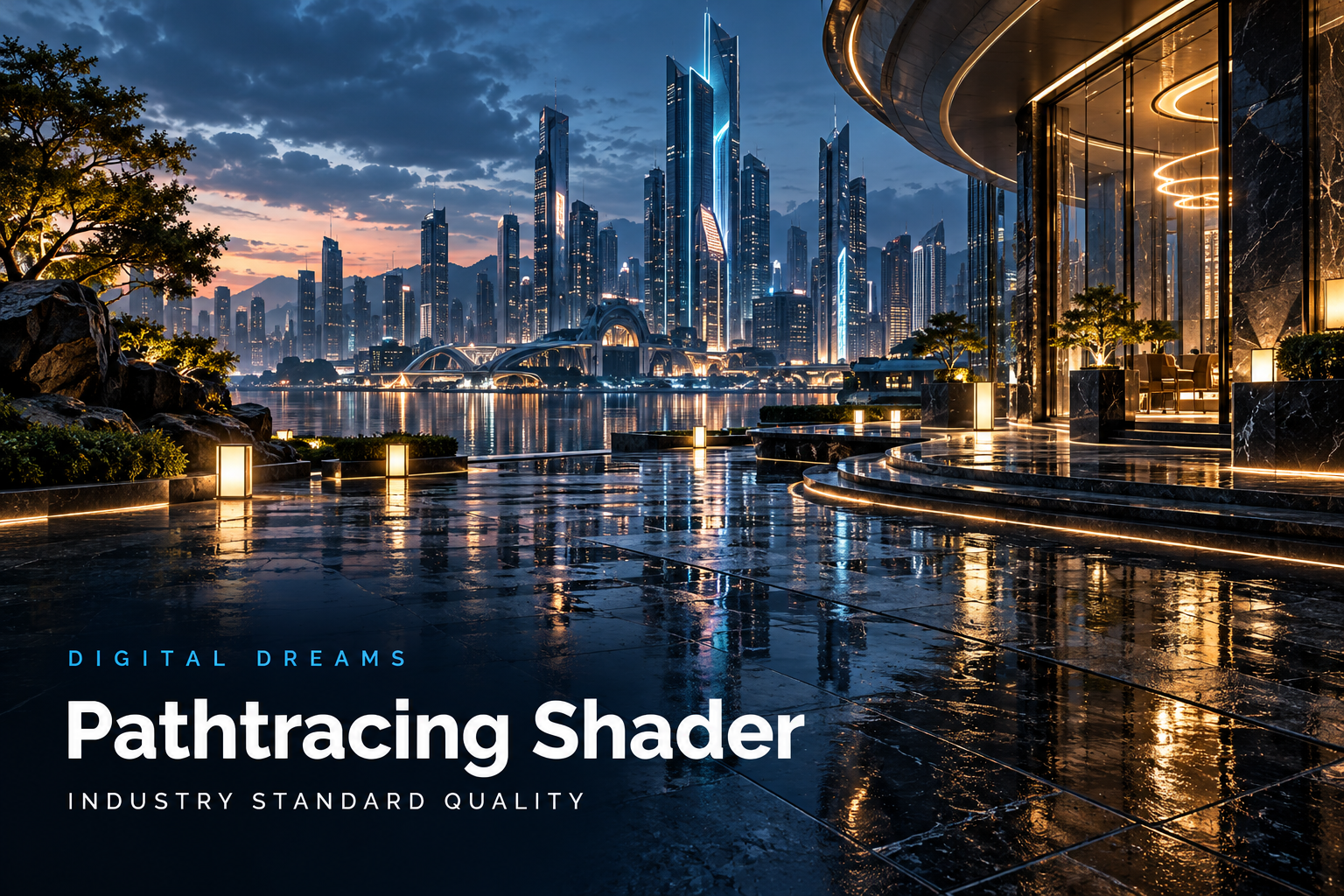
A dedicated pathtracing shader in the Digital Dreams graphics toolkit. Check the release post for supported setups and hardware requirements.
Explore on PatreonFROM THE DIGITAL DREAMS CHANNEL
DIGITAL DREAMS /
Explore Gotham with Digital Dreams’ custom ReShade preset, an RTX 5090 and a DLSS 5 comparison.
Watch on YouTubeDIGITAL DREAMS /
An RTX 5090 graphics comparison from the Digital Dreams channel.
Watch on YouTubeDIGITAL DREAMS /
Night City with Digital Dreams’ custom ReShade preset, UltraPunk graphics and a DLSS 5 comparison.
Watch on YouTubeDIGITAL DREAMS /
A 4K RTX 5090 showcase with Digital Dreams’ custom ReShade preset and a DLSS 5 comparison.
Watch on YouTubeGame setup and additional shaders affect the look. RTGI, where used, is obtained separately from its author; check the Patreon post for preset requirements.
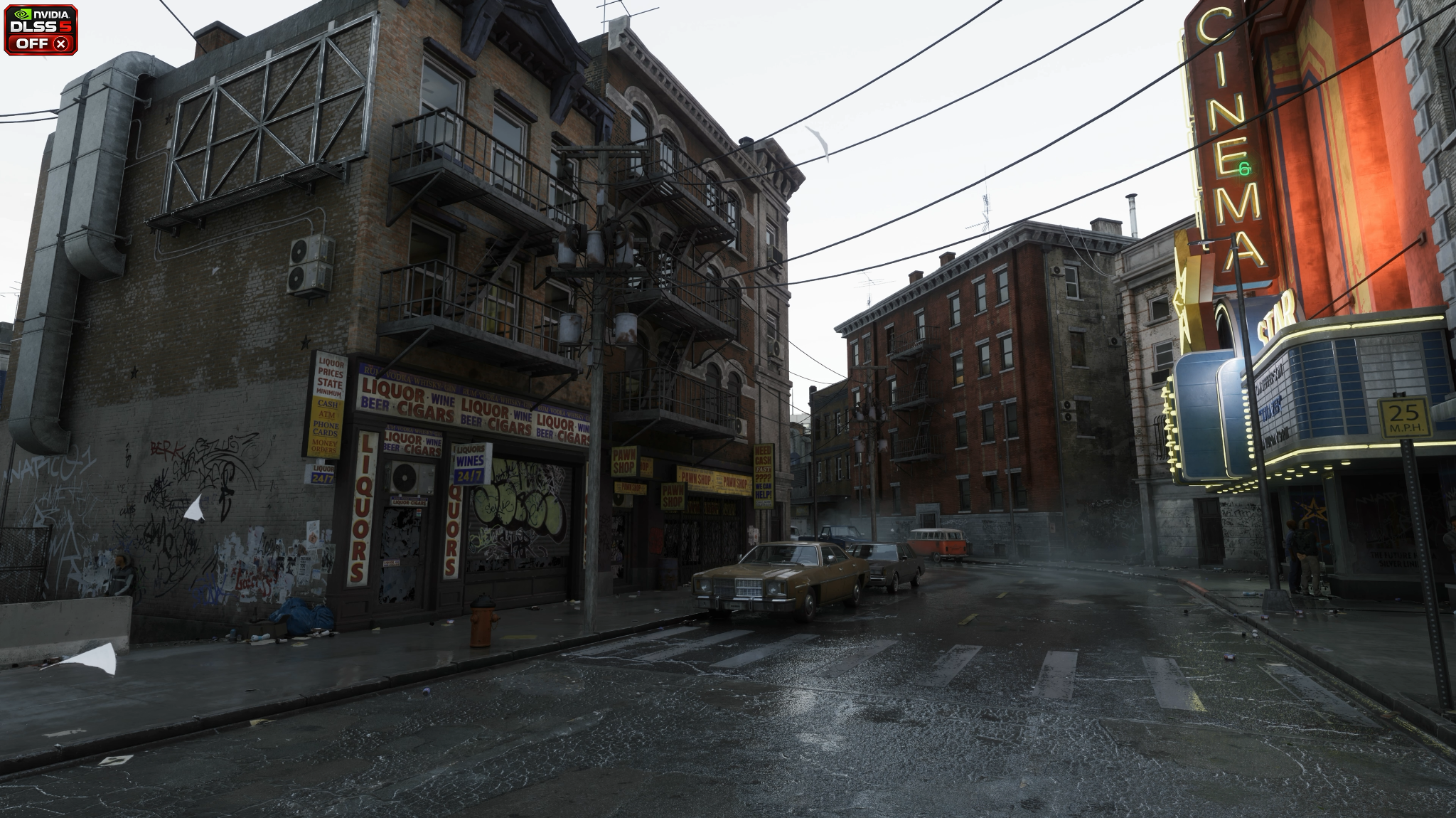
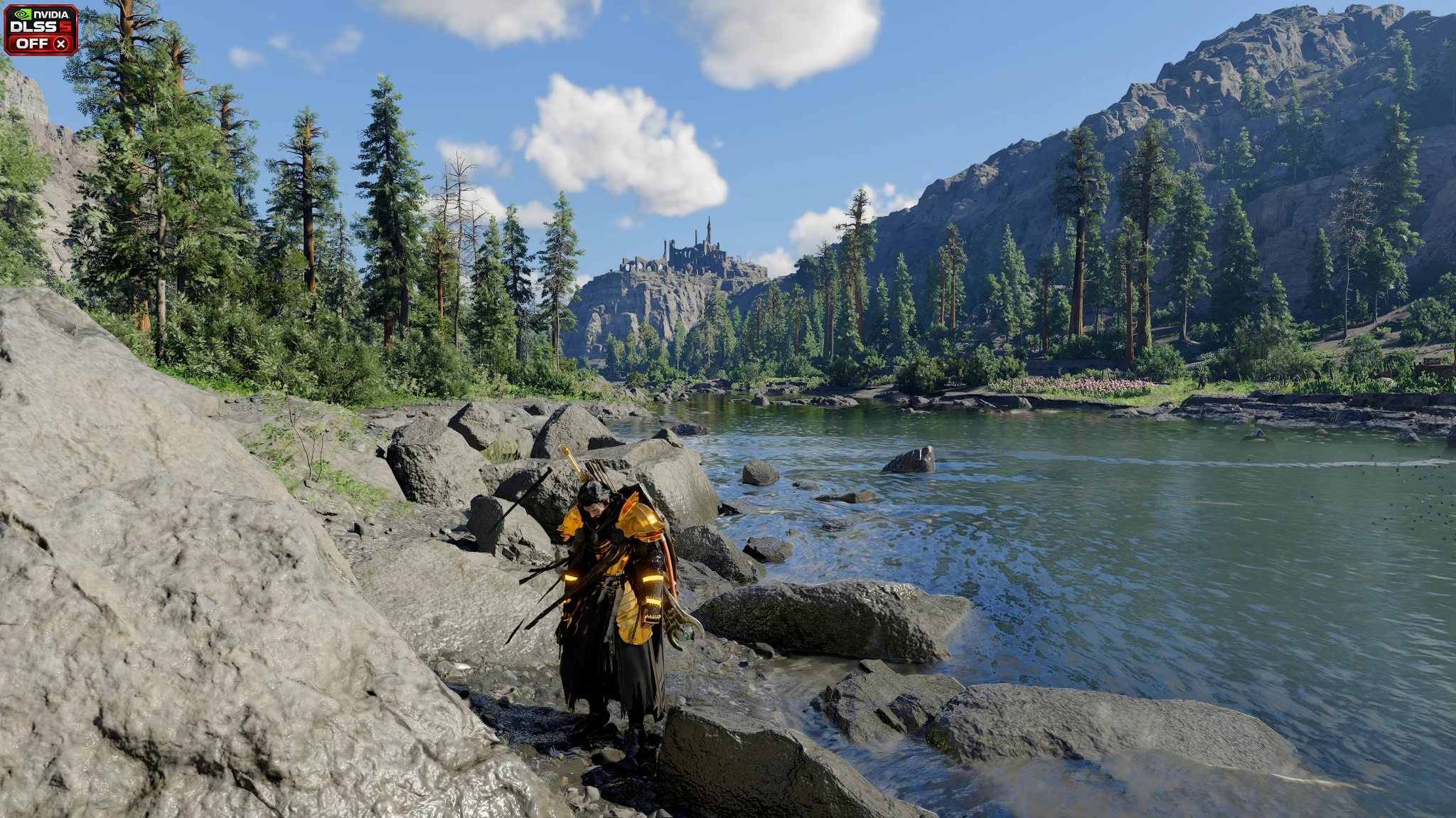
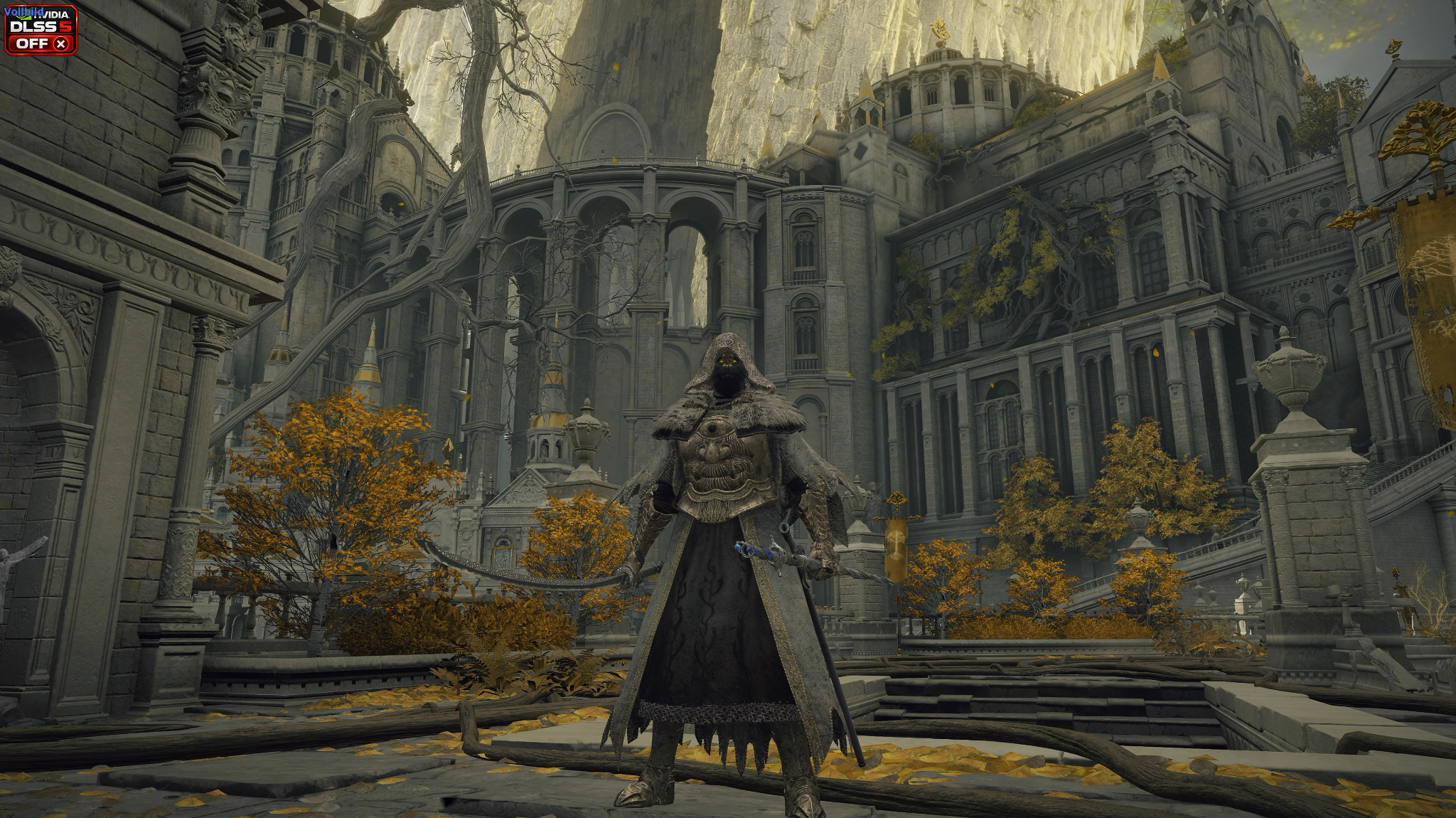
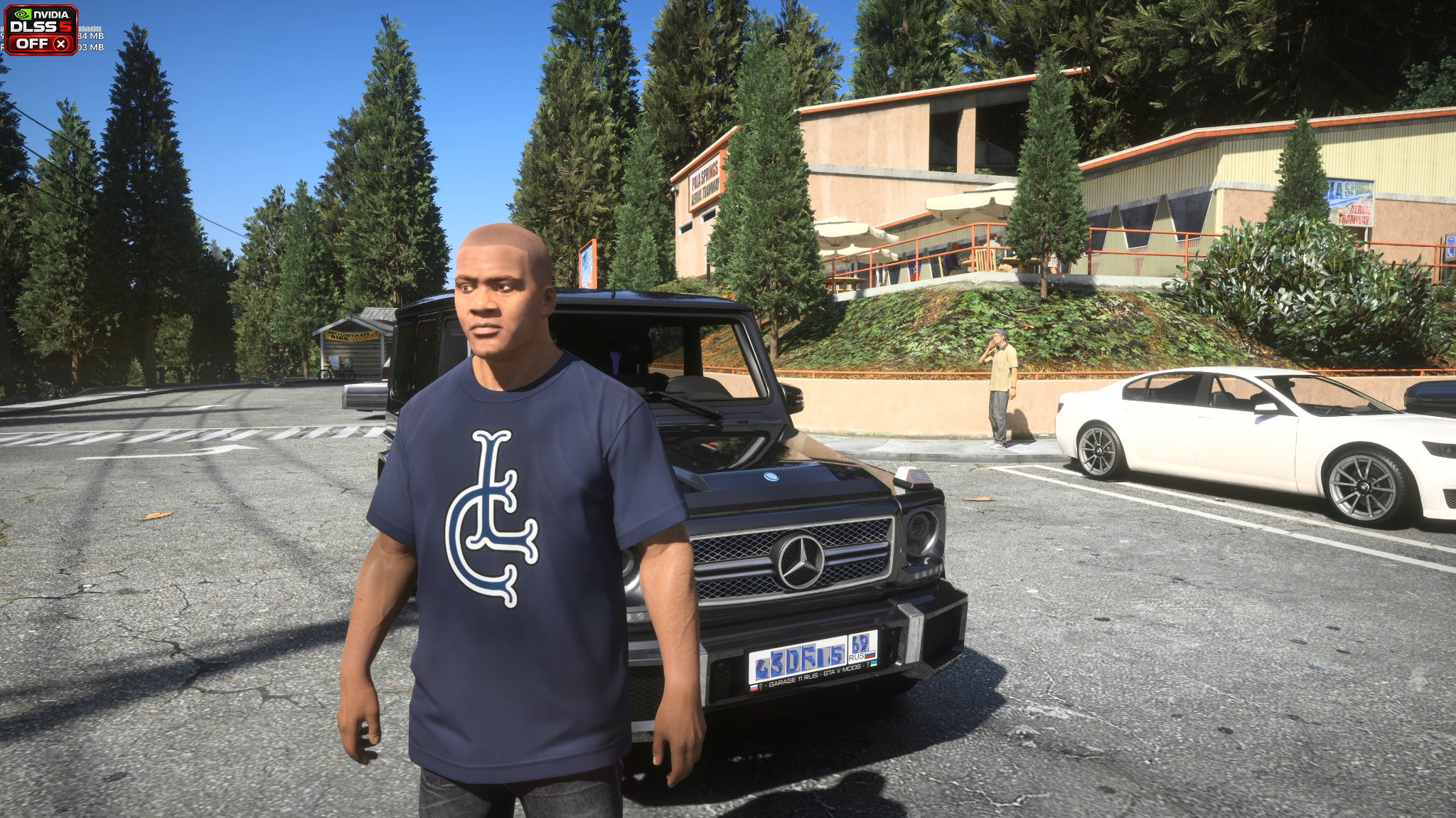
GAME GRAPHICS / OFF / ON
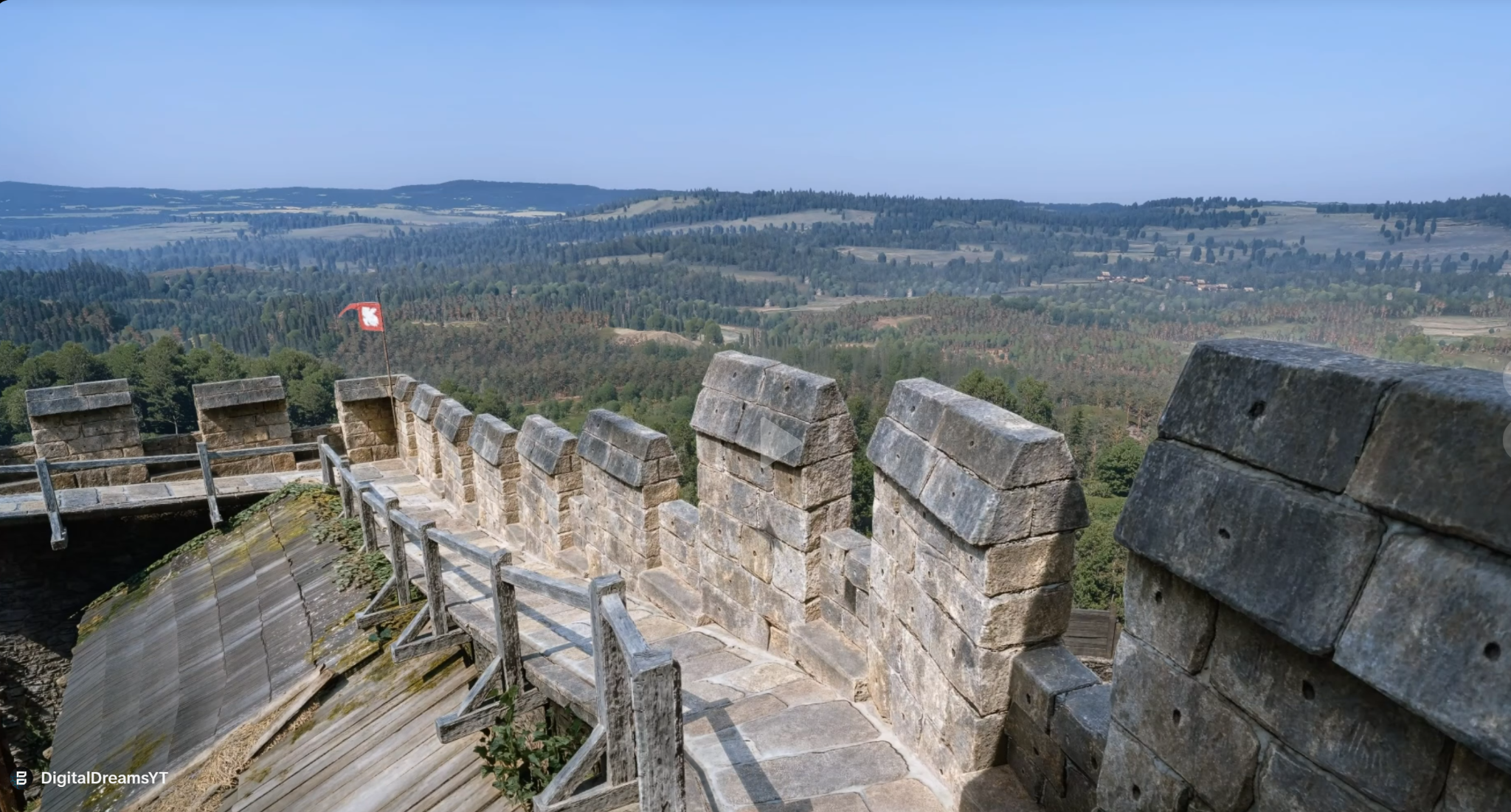
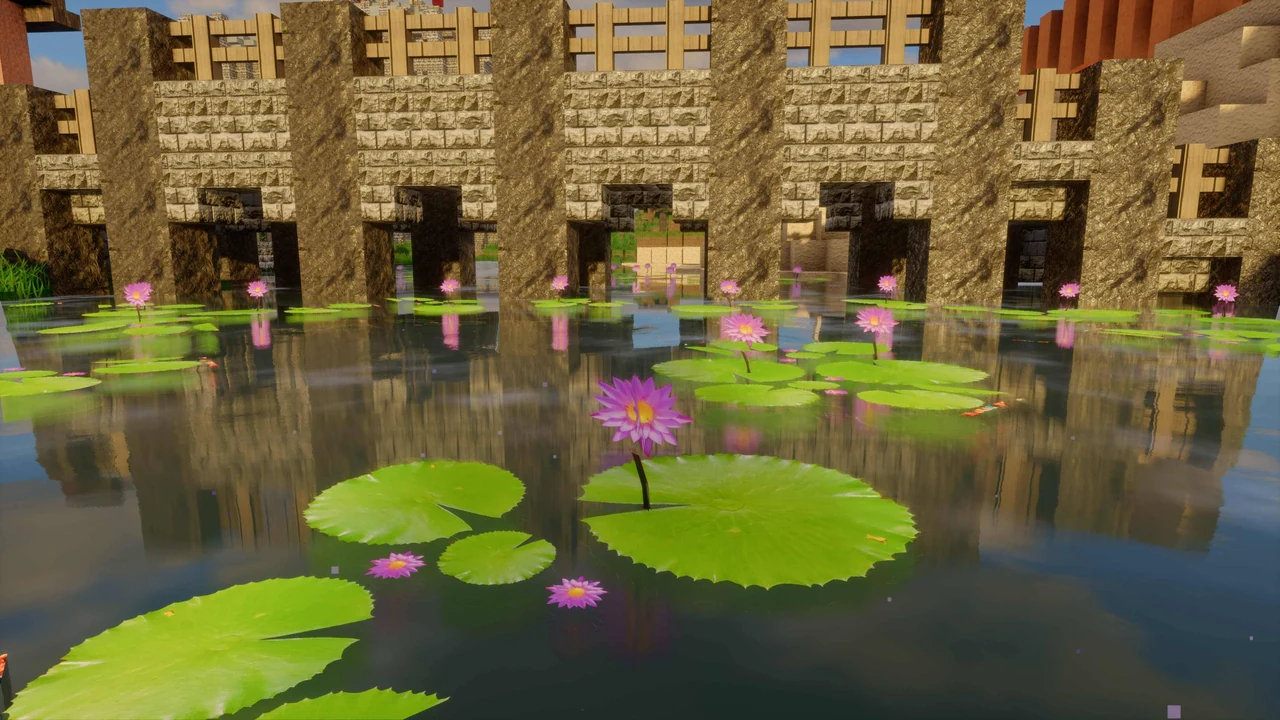
Explore four game scenes from Digital Dreams. Drag the divider to compare the supplied Off and On captures.
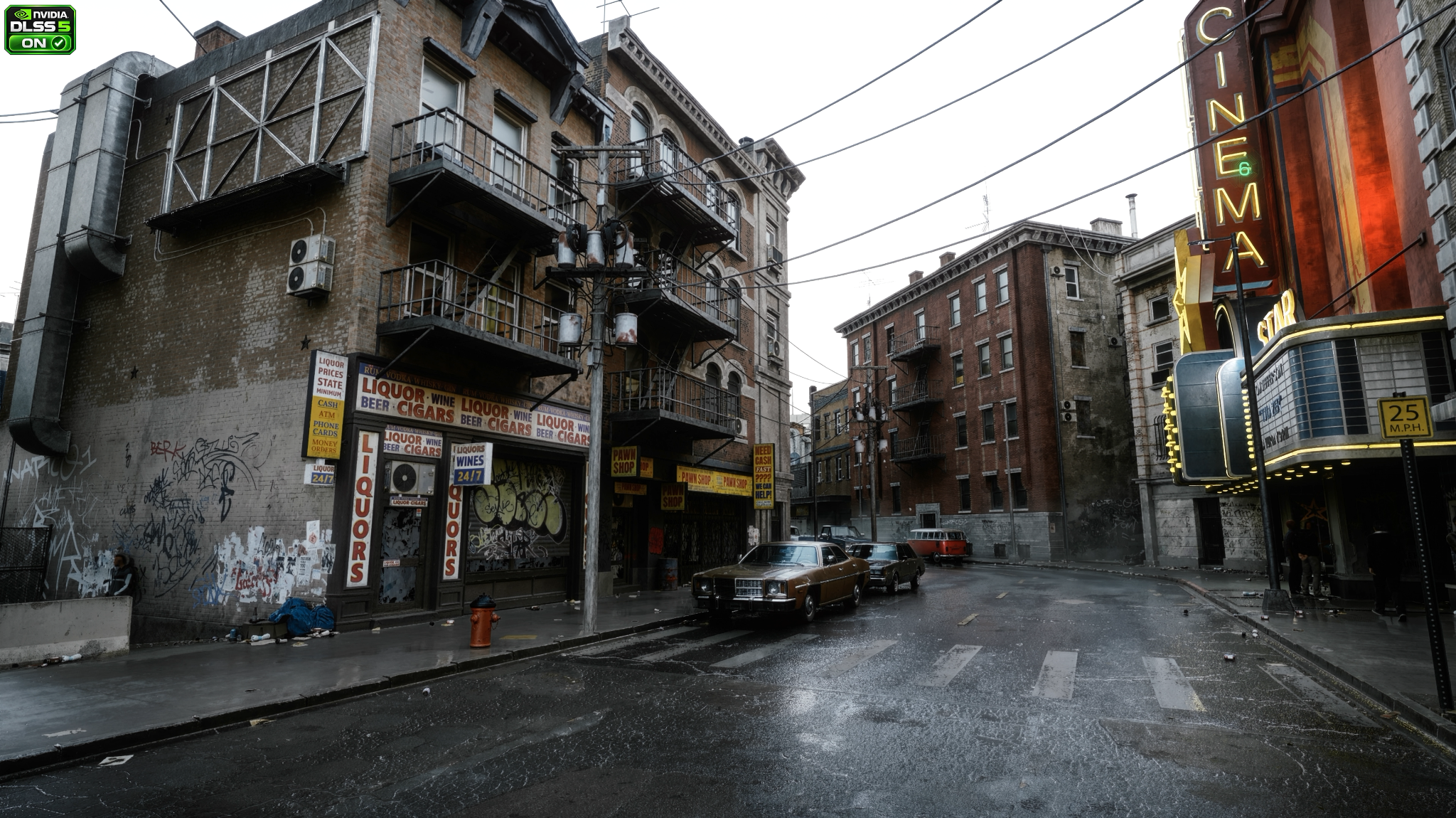
Drag across the image, or use the arrow keys to move the divider.
Off / On as labelled in the supplied screenshots.
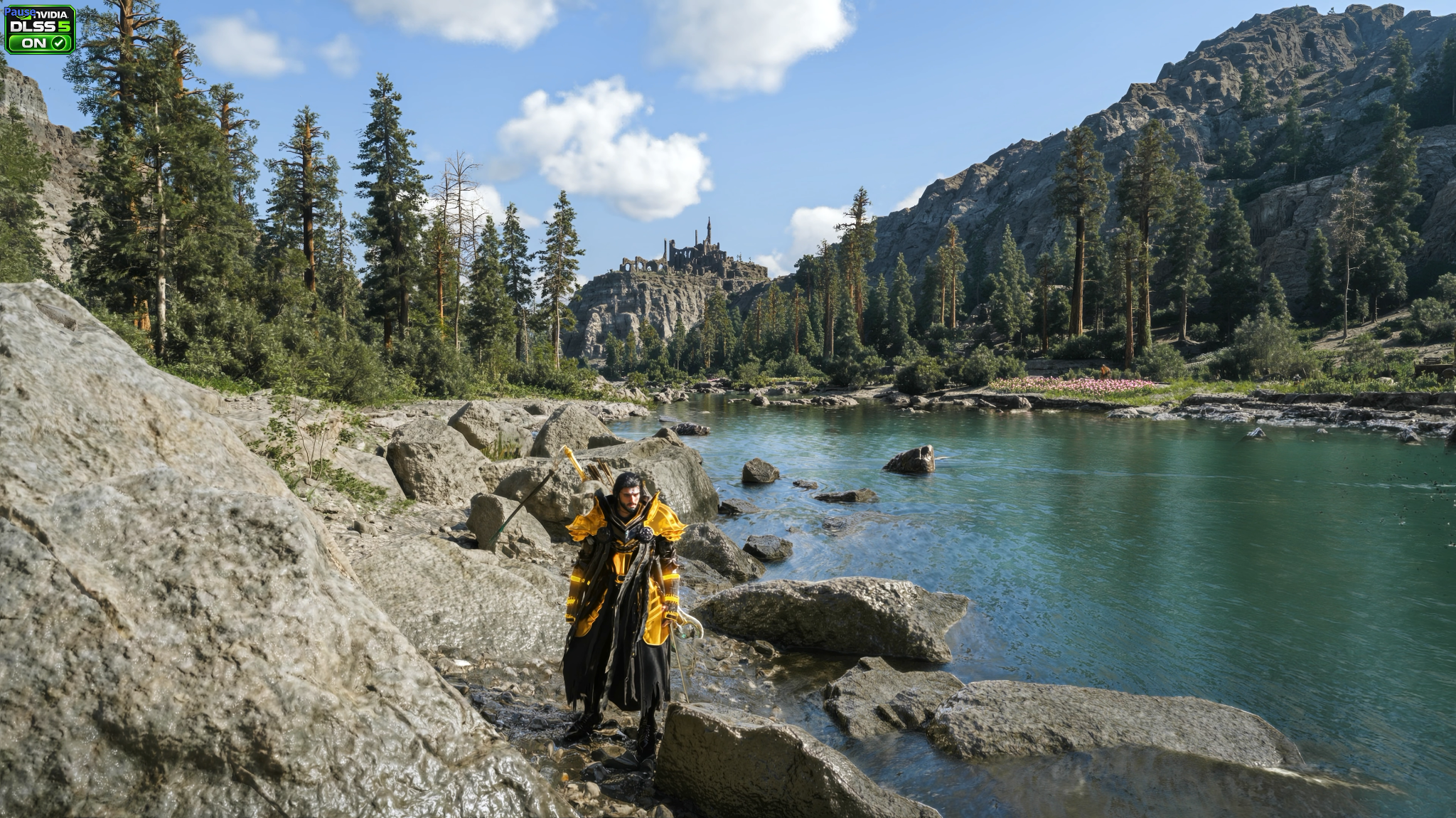
Drag across the image, or use the arrow keys to move the divider.
Off / On as labelled in the supplied screenshots.
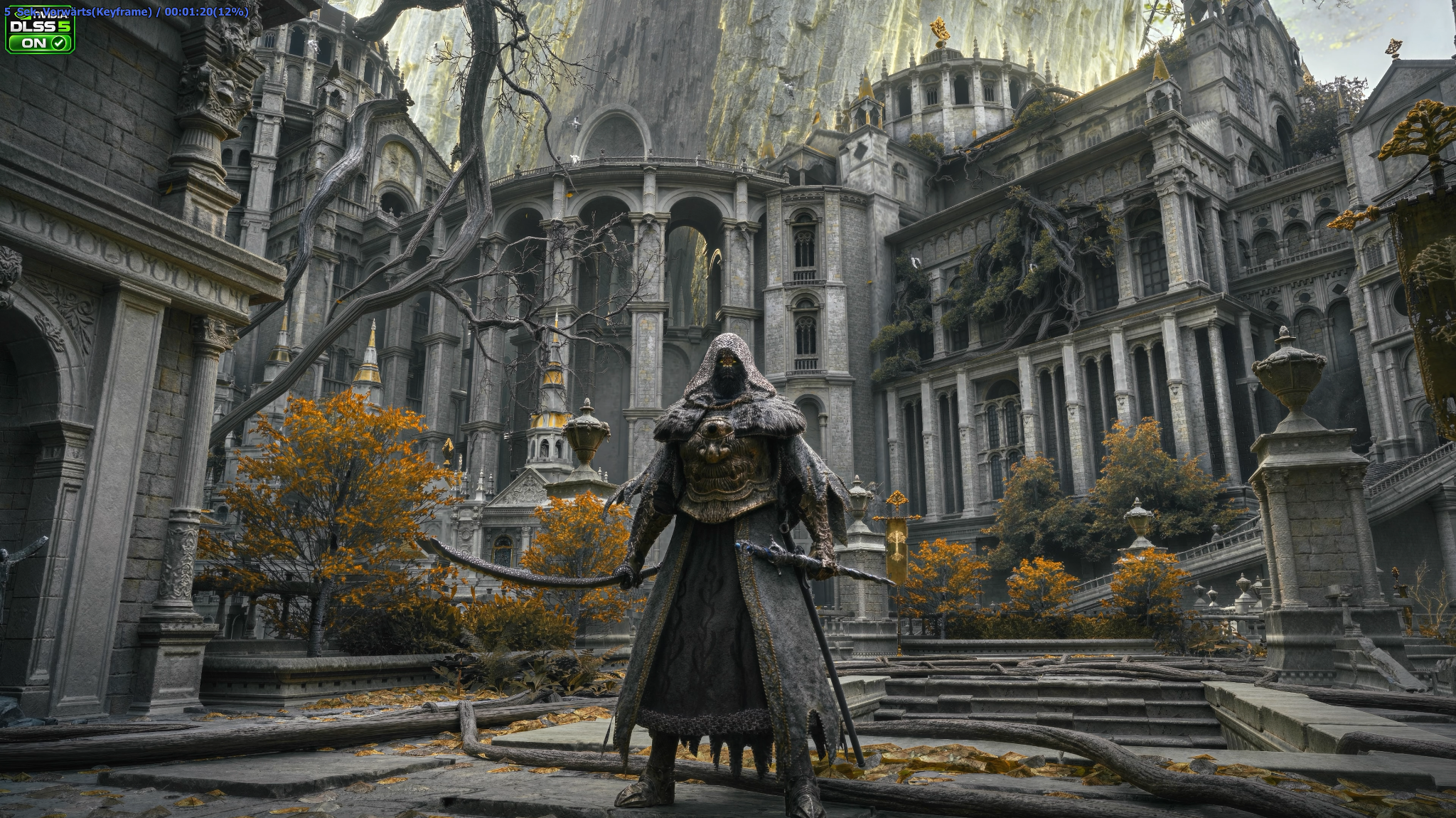
Drag across the image, or use the arrow keys to move the divider.
Off / On as labelled in the supplied screenshots.
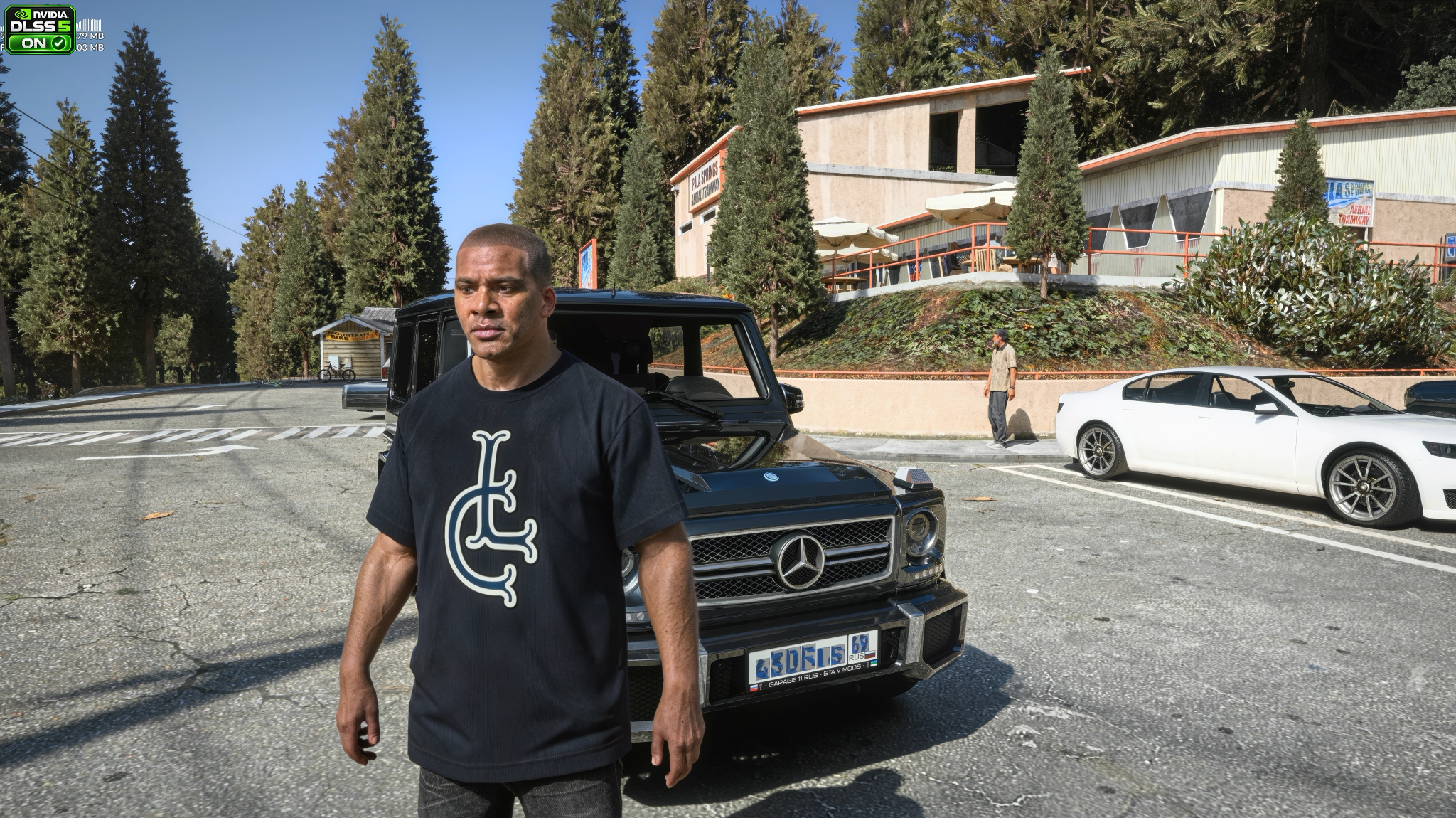
Drag across the image, or use the arrow keys to move the divider.
Off / On as labelled in the supplied screenshots.
The supplied screenshots carry DLSS 5 Off / On labels. They show the captured graphics setups, not an isolated ReShade-only change. Screenshots were taken separately; animation and lighting may vary.
SCREENSHOTS
Explore the gaming screenshots. Find ReShade presets, Adaptive Vision and the pathtracing shader on Patreon.
ONLY ON PATREON
Browse the latest ReShade presets, Adaptive Vision and the pathtracing shader, check access options and get your downloads directly from Digital Dreams on Patreon.
Purchases and downloads stay on the DigitalDreams Patreon. Check the membership tier and the post for the item you want.
Check each preset or shader release post for the supported game version, ReShade setup, installation steps and hardware requirements. Adaptive Vision and the pathtracing shader have their own setup details. RTGI, when used, is available separately from its author.
Your game settings, display, shaders and hardware affect the result. The videos show the setup used for each showcase.
MORE FROM DIGITAL DREAMS