Enhance your TikTok video quality with DigitalDreams Compress. Standard gives your edit a sharper finish for upload. Premium enhances colour, contrast and detail for a richer, clearer look.
Final upload quality also depends on how TikTok processes your video.
Digital Dreams / Gaming footage
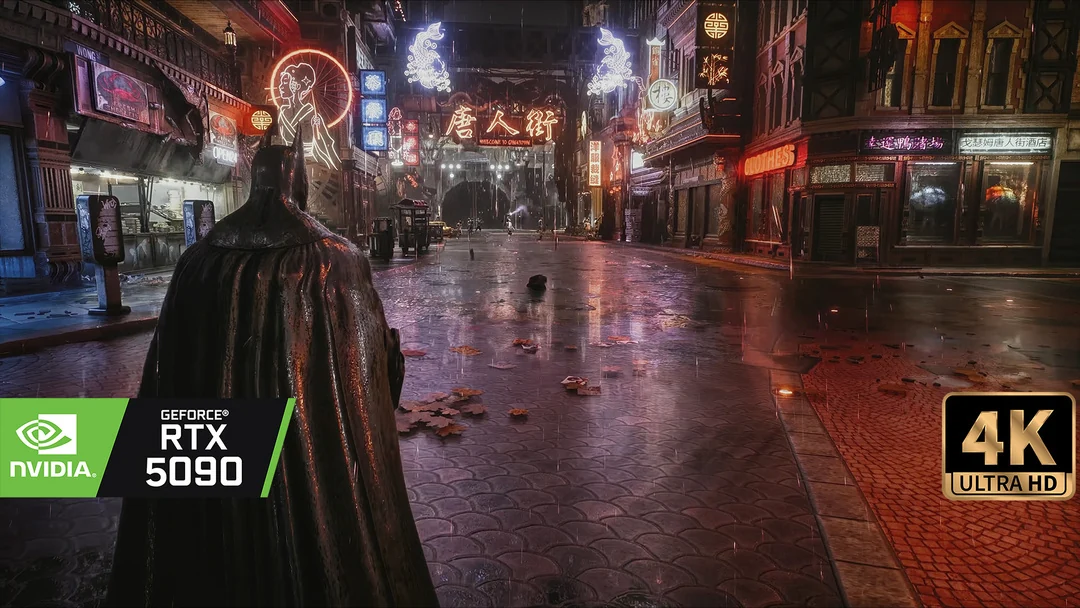
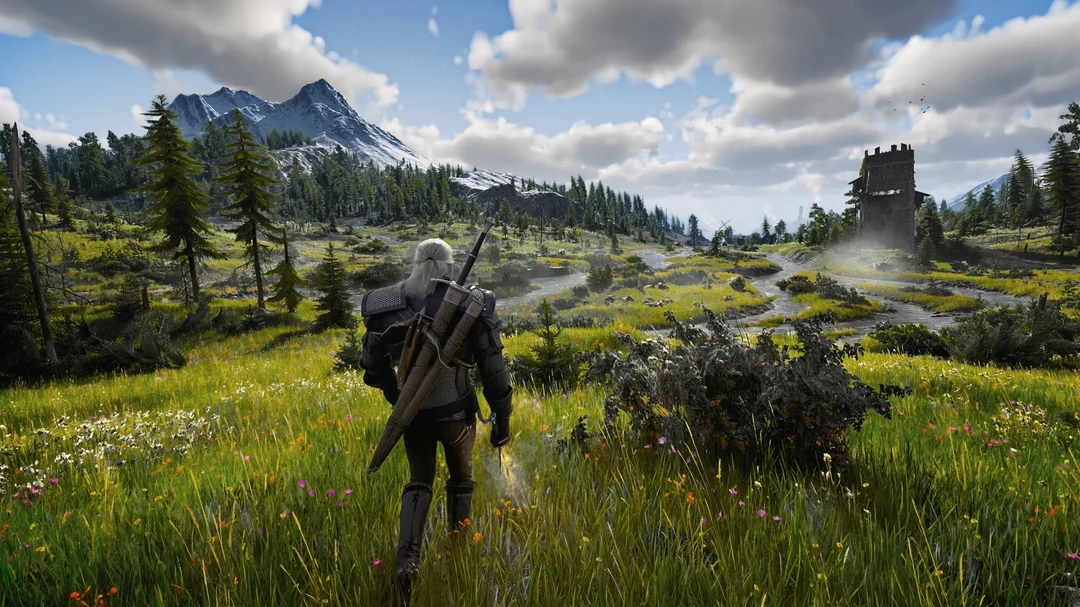
Gaming footage from the Compress comparison
1 / 10
DIGITALDREAMS COMPRESS / BEFORE & AFTER
See the difference.
Move the slider to compare your normal TikTok video with the Digital Dreams Method. Check the stonework, foliage and distant scenery.
DigitalDreams Compress
OFFYour normal TikTok video
ONDigital Dreams Method
Pictures taken from real TikTok videos
OffOnⅡ
Drag across the image, or use the arrow keys to move the divider.
Swipe to compare the details.
Compare the texture of the stone, the trees and the distant hills.
COMPRESS STUDIO
Enhance your TikTok video.
Hybrid studio
DD COMPRESS STUDIOLocal file preview
Preview your video.
Drop your video here or choose a file.
MP4, MOV or WebM · up to 250 MB · up to 3 minutes
File size
—
Resolution
—
Duration
—
File checks run locally. Your video is not uploaded here.
EXPORT PROFILE
Planned outputH.264 / AAC
Target formatUp to 1080p · up to 60 FPS
CropOriginal aspect ratio
Your device prepares the video, then our private online service finishes the export. Sign-in and one export credit are required. The credit is used only after success. Keep this tab open; processing speed depends on your device.
◇ Your original is prepared on this device. Only the prepared video is sent for the private final step after you start processing. No tracking scripts.
YOUR EXPORT PLAN
Checking studio availability after you choose a video.
Standard €0.99 / Premium €1.49. One clearly named video per credit. One export credit is reserved during processing and used only when your verified output is ready.
CHOOSE YOUR FINISH
Two profiles. One export.
Standard €0.99
Enhance your TikTok video with a sharper finish. Preserve the colour and contrast of your edit.
Premium €1.49
Standard sharpening, plus richer colour, contrast and detail.
Compress enhances TikTok video quality with sharpening and, in Premium, colour, contrast and detail enhancement. It prepares your finished edit as a normal MP4 with H.264 video and AAC audio, up to 1080p and 60 FPS. It keeps the original aspect ratio, without upscaling smaller footage. HDR is converted to SDR. Your device prepares the video before private online finalization. Keep the tab open during processing.
How do Standard and Premium differ?+
Enhance your TikTok video with a sharper finish and upload-ready formatting. Keep the colour and contrast you already like in your edit. Everything in Standard, plus enhanced colour, contrast and detail to give your TikTok video a richer, clearer look. Finish your ReShade setup or colour grade first; compare both profiles if your source already has strong colour, contrast or sharpening.
Which files are supported?+
MP4, MOV and WebM, up to 250 MB and three minutes. Use a clean export with its framing and audio already finished. Supported source codecs depend on browser decoding. The studio checks the selected file before processing.
How do credits and exports work?+
Sign in and use one credit for the selected profile. The credit is reserved during processing and used only after a verified export succeeds. Download the completed file within 24 hours. Payments are not open yet; checkout remains disabled.
Is upload quality guaranteed?+
No. Results depend on the source and platform processing. The supplied TikTok screenshots illustrate the look, rather than a measured quality guarantee. The comparison preview adds 5% sharpening to On and 3% blur to Off. Check your own export and upload under the same conditions.
Share Digital Dreams.
Send this page to someone who enjoys gaming graphics.
DIGITAL DREAMS / COMMUNITY
Join the conversation.
Share your setup, ask a question or tell us what you would like to see next.
Allow browser recognition to help us count visitors and clicks on external links. Your choice is optional. We also count page views without storing a visitor ID.