
DIGITAL DREAMS / GUIDES
Great graphics.
One step at a time.
New to modding? Start with clear requirements, the right downloads and numbered steps. Set up ReShade, presets, a complete modlist or an emulator, with explanations and checks along the way.
Check each guide for the matching game version and requirements.


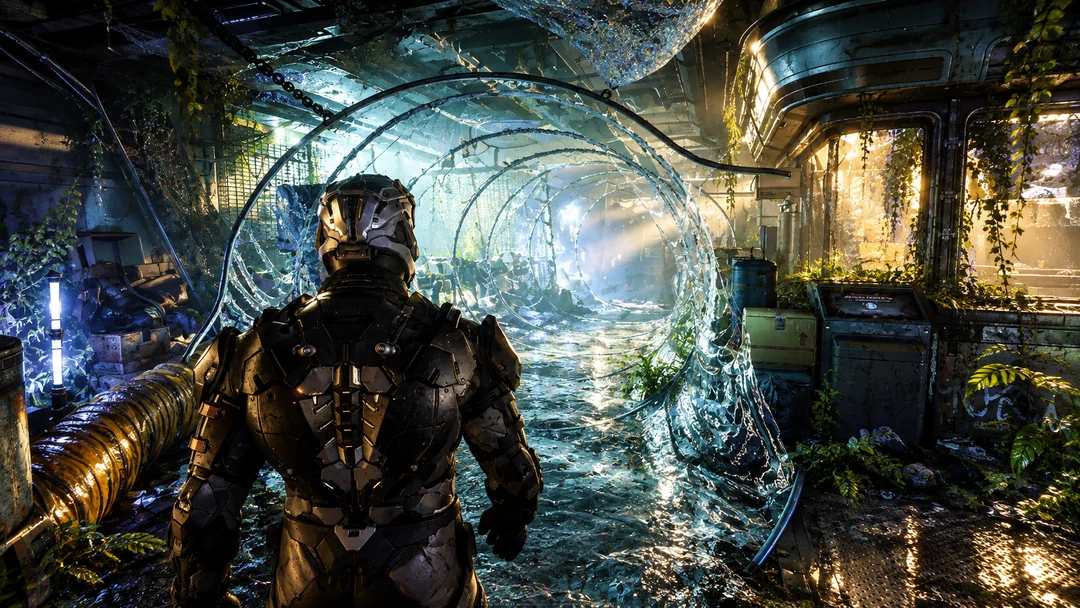
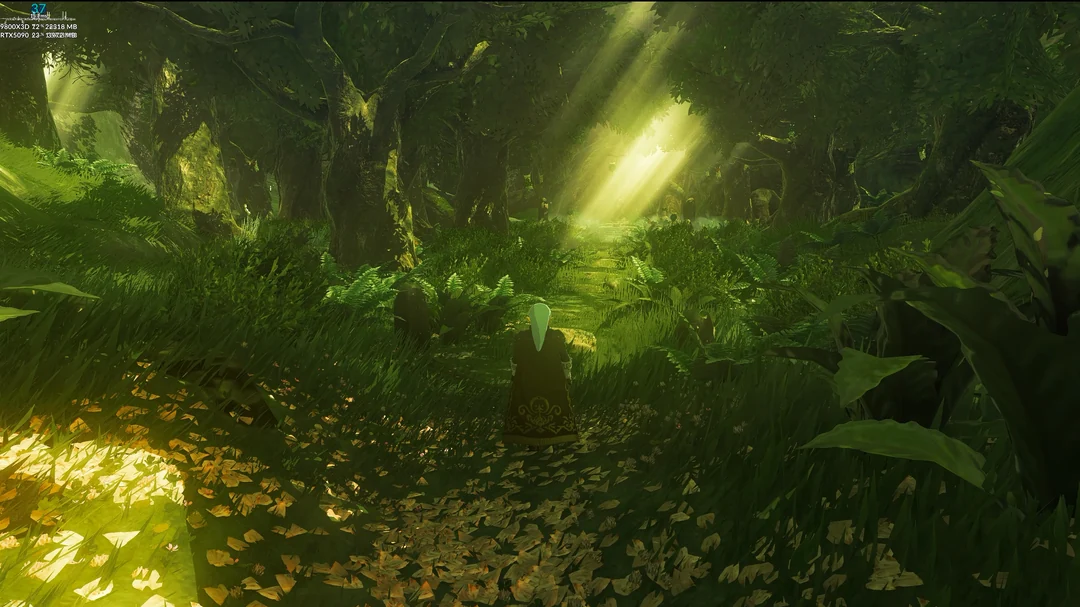
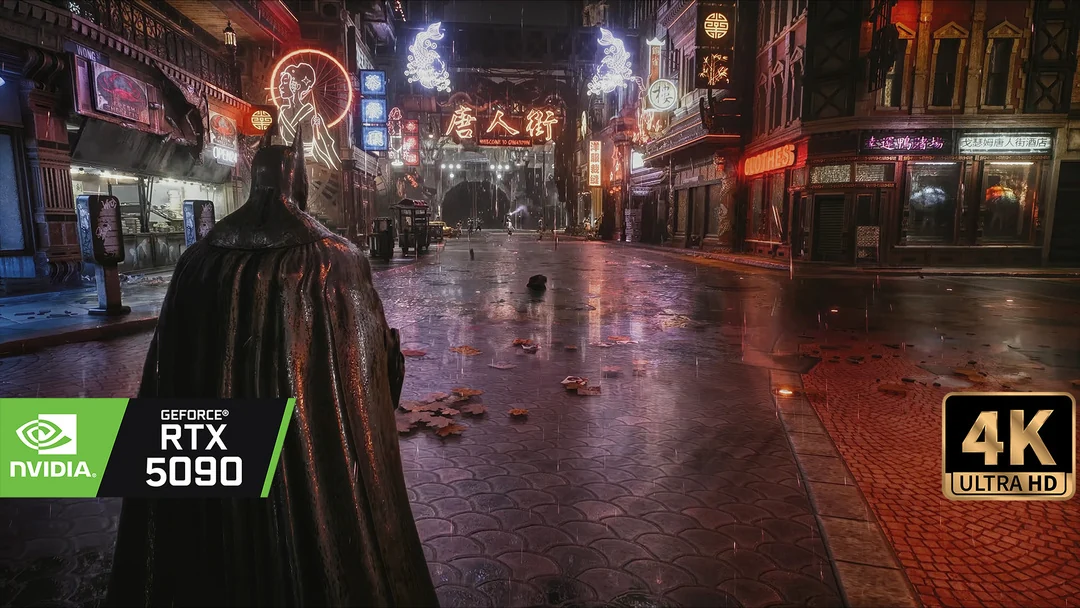
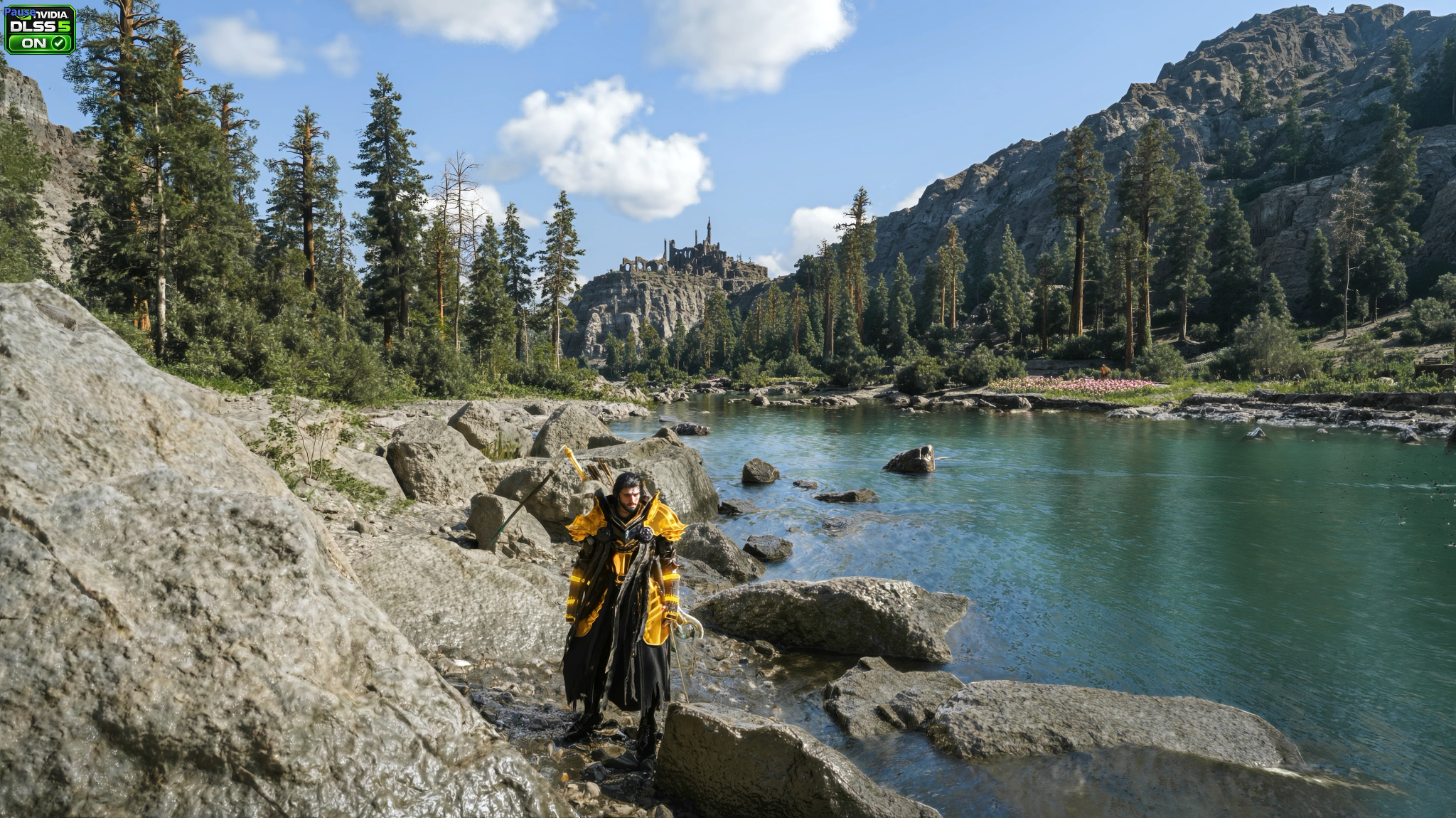
NEW TO MODDING?
Start with one change.
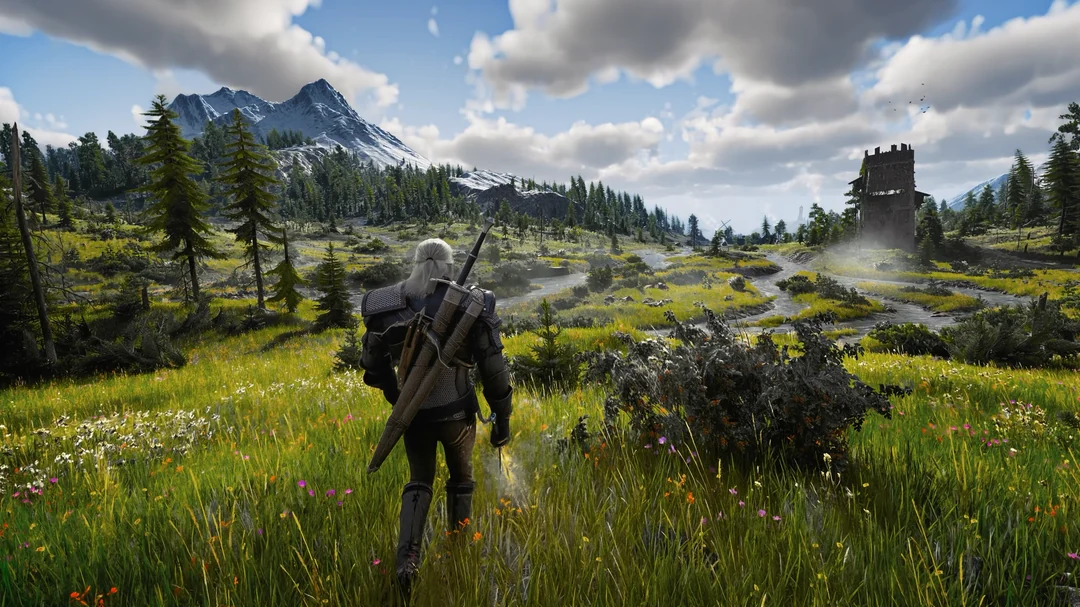
For your first graphics setup, start with ReShade. Get it working, then add a preset. Choose Wabbajack when you want to install a complete modlist.
Find the game, install, check the overlay
Start hereINSTALLATION / GRAPHICS TOOLKIT
What would you like to set up?
11 guides
 GAME SETUP
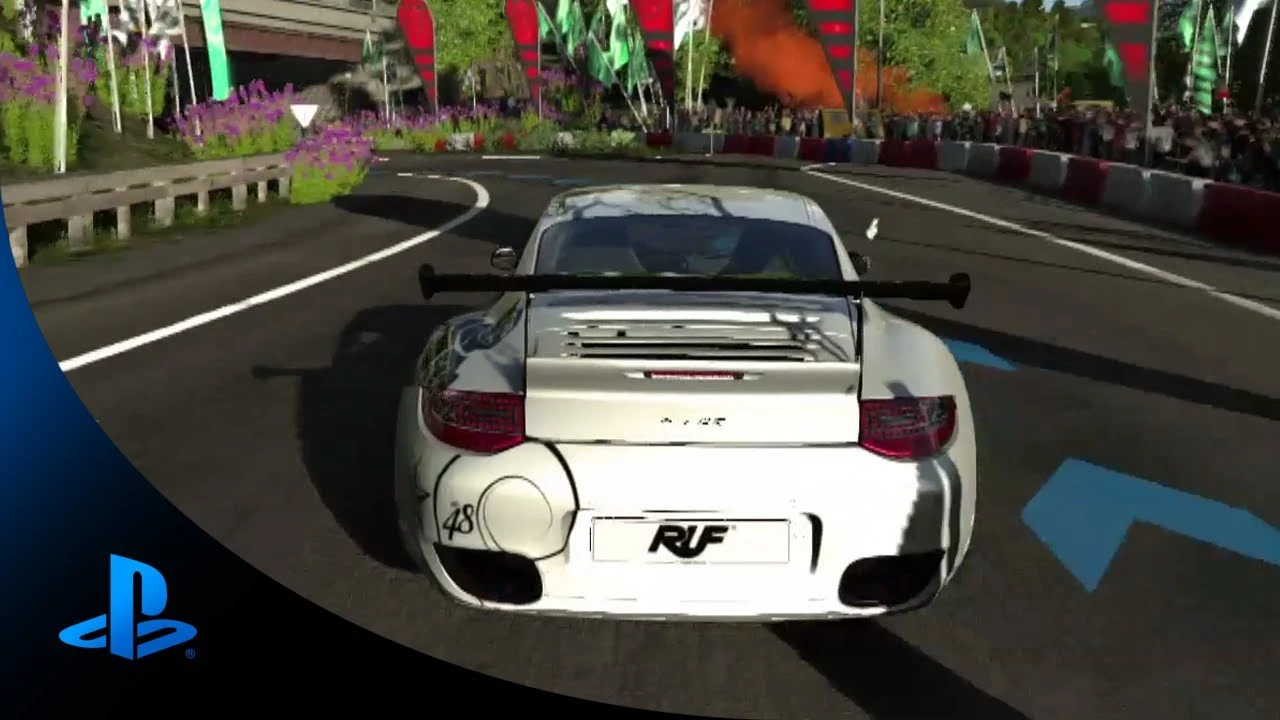
Driveclub on PC
Set up the Driveclub-PC wrapper, test your first race, then optionally add ReShade and the recorded ShortFuse DLSS 5 helper configuration.
PS4 gameplay · Evolution Studios / PlayStationOpen step-by-step guide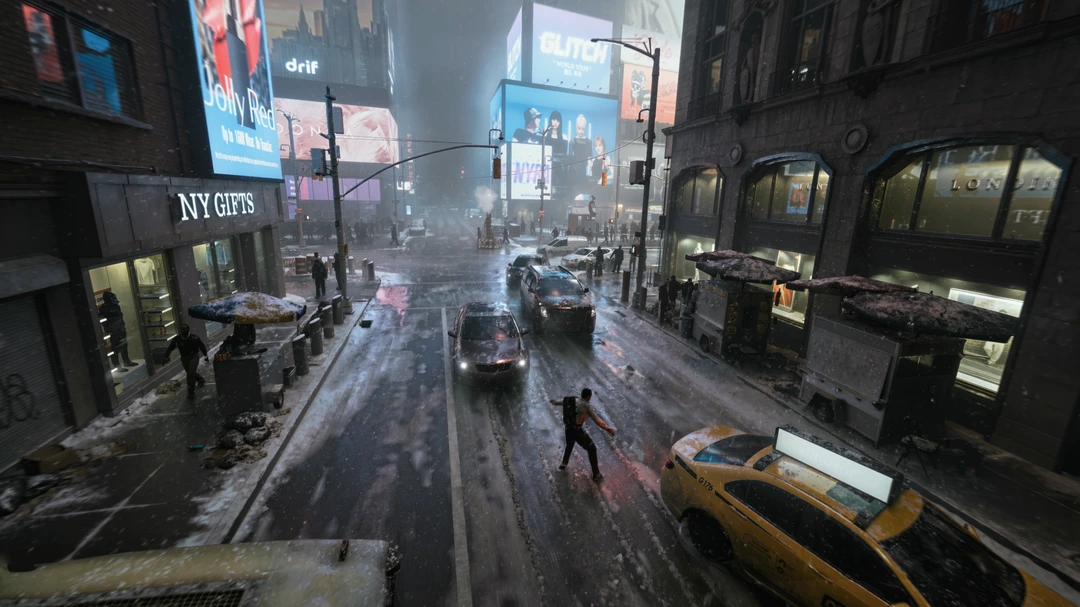 GRAPHICS SETUP
Call of Duty: RenoDX DLSS 5
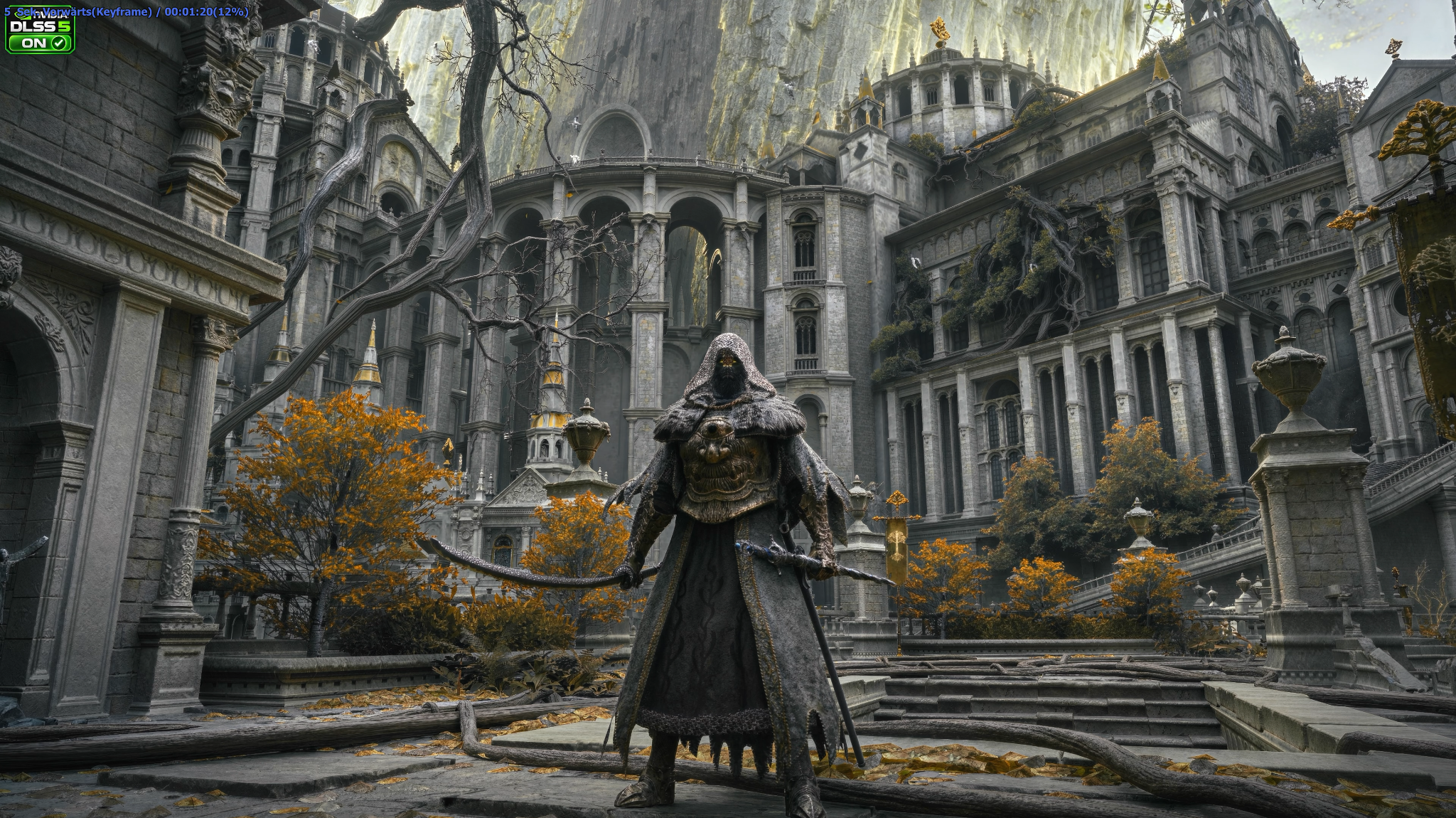
Set up RenoDX DLSS Neural Rendering in the separate Call of Duty campaign folder, apply the recorded settings and compare the visible effect in a loaded mission.
Digital Dreams · Patreon post coverOpen step-by-step guide PC PORT SETUP
Forza Horizon 2 on PC
Set up the Xbox One version of Forza Horizon 2 with Azimuth, select the right game folder and get a working baseline before adjusting graphics or adding extras.
Game artwork · Microsoft / Playground GamesOpen step-by-step guide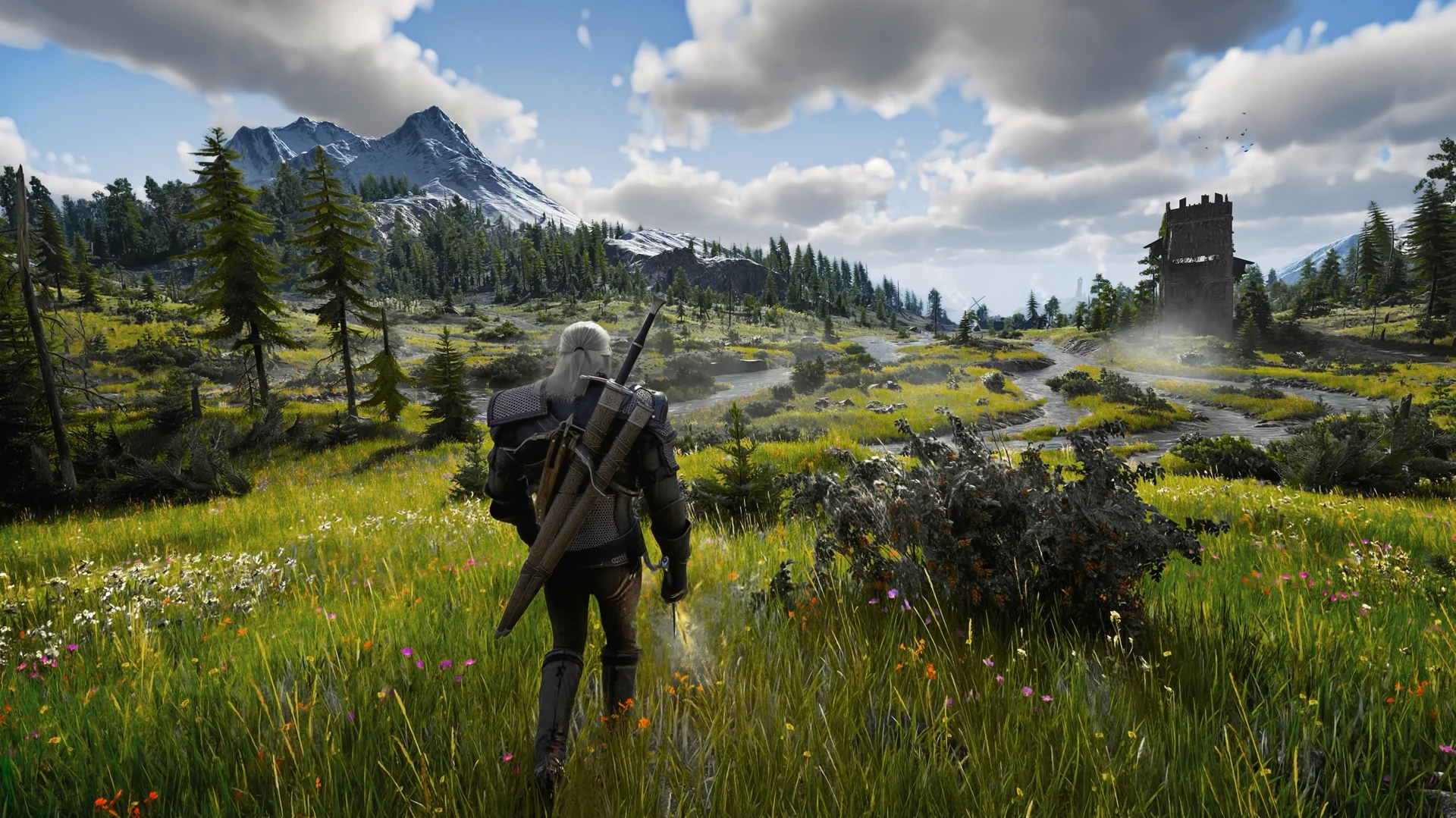 GRAPHICS SETUP
Install ReShade
Choose the right game executable, install ReShade and open the overlay.
Open step-by-step guide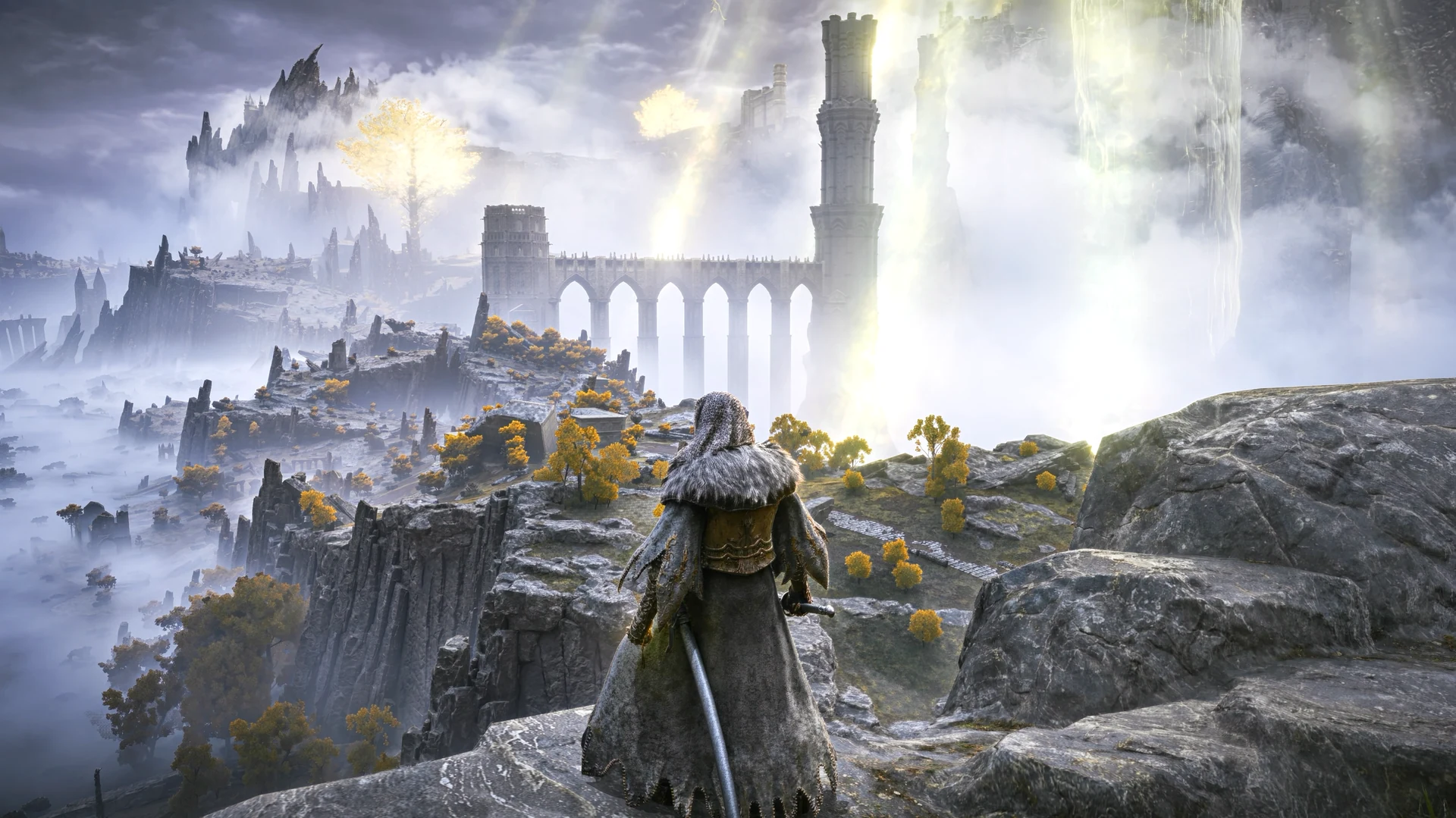 GRAPHICS SETUP
Shaders & presets
Put each file in the right folder, load your preset and fix missing effects.
Open step-by-step guide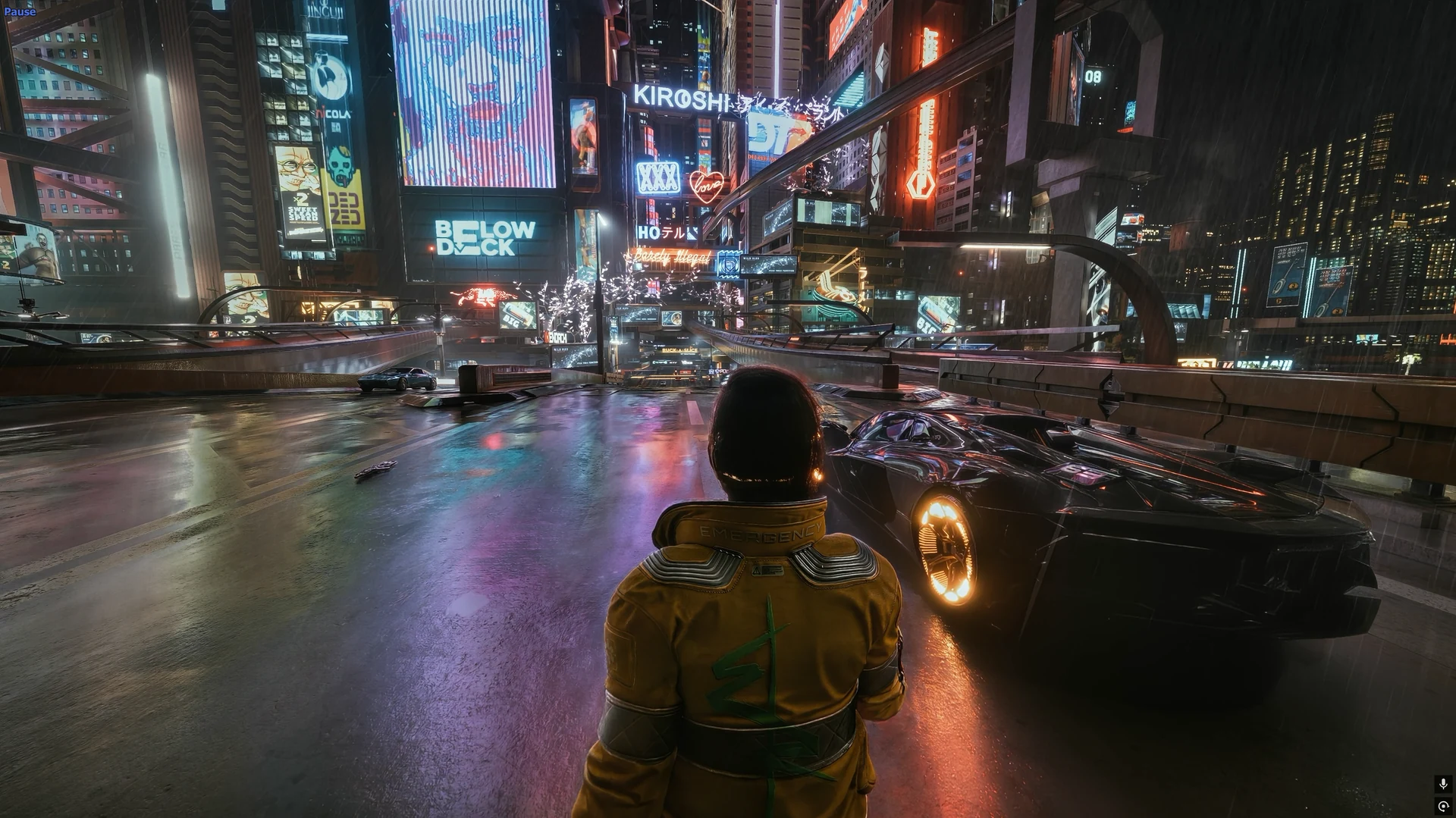 GRAPHICS SETUP
RenoDX & DLSS 5
Install a game-specific RenoDX add-on, then choose the appropriate DLSS 5 route.
Open step-by-step guideMODLIST SETUPInstall a Wabbajack modlist
Choose a modlist, keep your folders separate and complete the first launch.
Open step-by-step guideMODLIST SETUPProject ULTRAPUNK
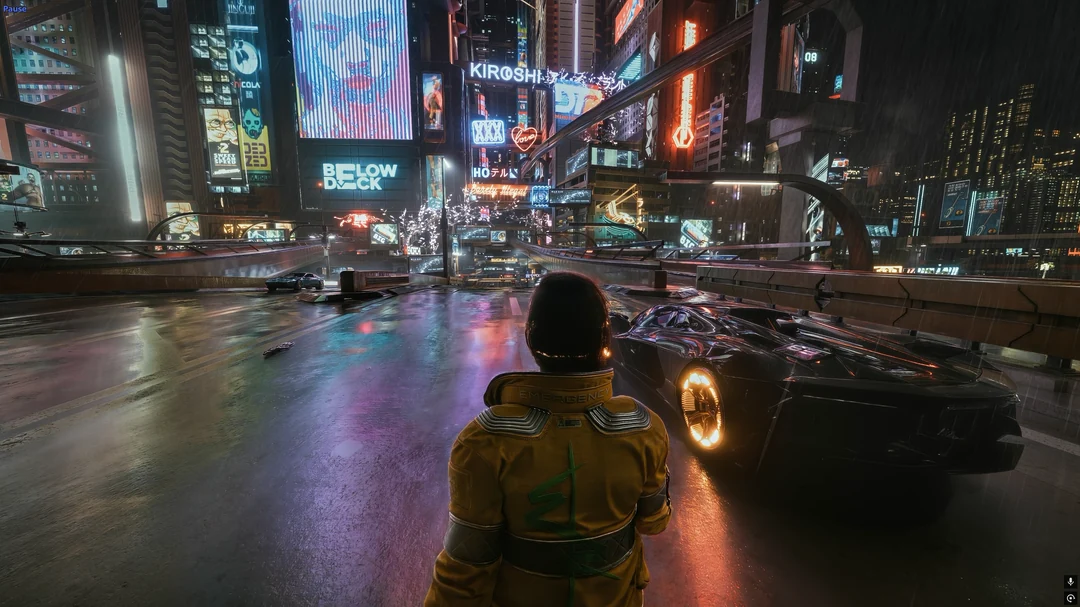
Install the curated Cyberpunk 2077 modlist with Wabbajack, choose the right VRAM profile and launch through its included Mod Organizer 2.
Open step-by-step guideGAME SETUPDemon’s Souls on KytyPS5
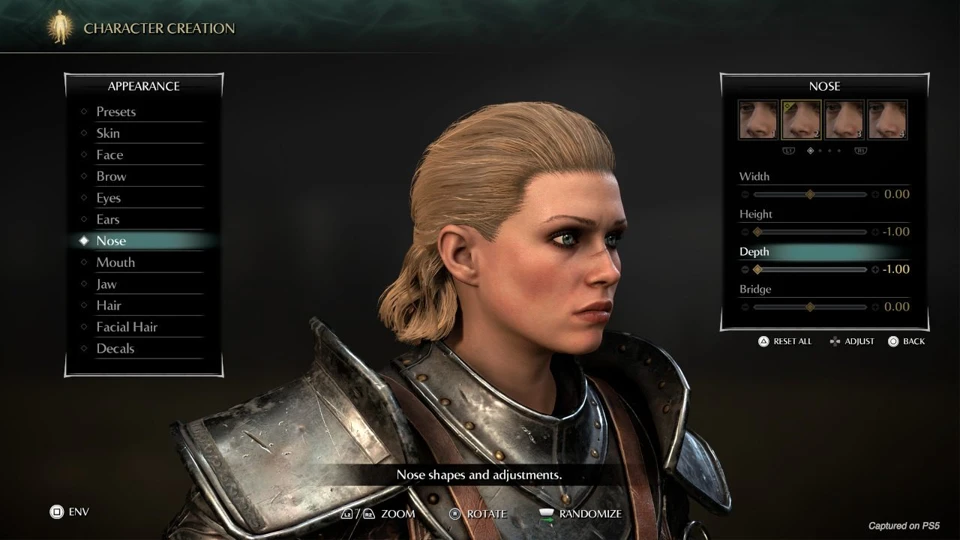
Set up KytyPS5 for the PS5 remake, add your game dump and establish a baseline before changing graphics settings.
Official PS5 capture · PlayStation / BluepointOpen step-by-step guideGAME SETUPTears of the Kingdom on Ryujinx
Configure Ryujinx, get MaxLastBreath’s TOTK mod and select the Digital Dreams preset after confirming that the base game works.
Open step-by-step guideGAME SETUPBreath of the Wild on Cemu
Set up the Wii U version in Cemu, configure your controller and use current graphic packs for resolution and optional FPS++ adjustments.
Open step-by-step guideNo matching guide. Try another topic or clear the search.
DIGITAL DREAMS / COMMUNITY
Join the conversation.
Share your setup, ask a question or tell us what you would like to see next.
Loading comments…